
Kkey Speed Optimizer Supper Performance That Drive Sales

Single

$ Free / 3 Days
 

1 Website 

Single

$ 120 / year
 

1 Website 

$ 199 / year
 

2 Websites

Ultimate

$ 269 / year
 

3 Websites 


🚀 Kkey Speed Optimizer: The Ultimate WooCommerce Performance Engine

Stop losing sales to slow load times. Kkey Speed Optimizer is a precision-engineered performance suite built specifically to handle the heavy demands of modern WooCommerce stores.


🌟 Why Kkey Speed Optimizer?

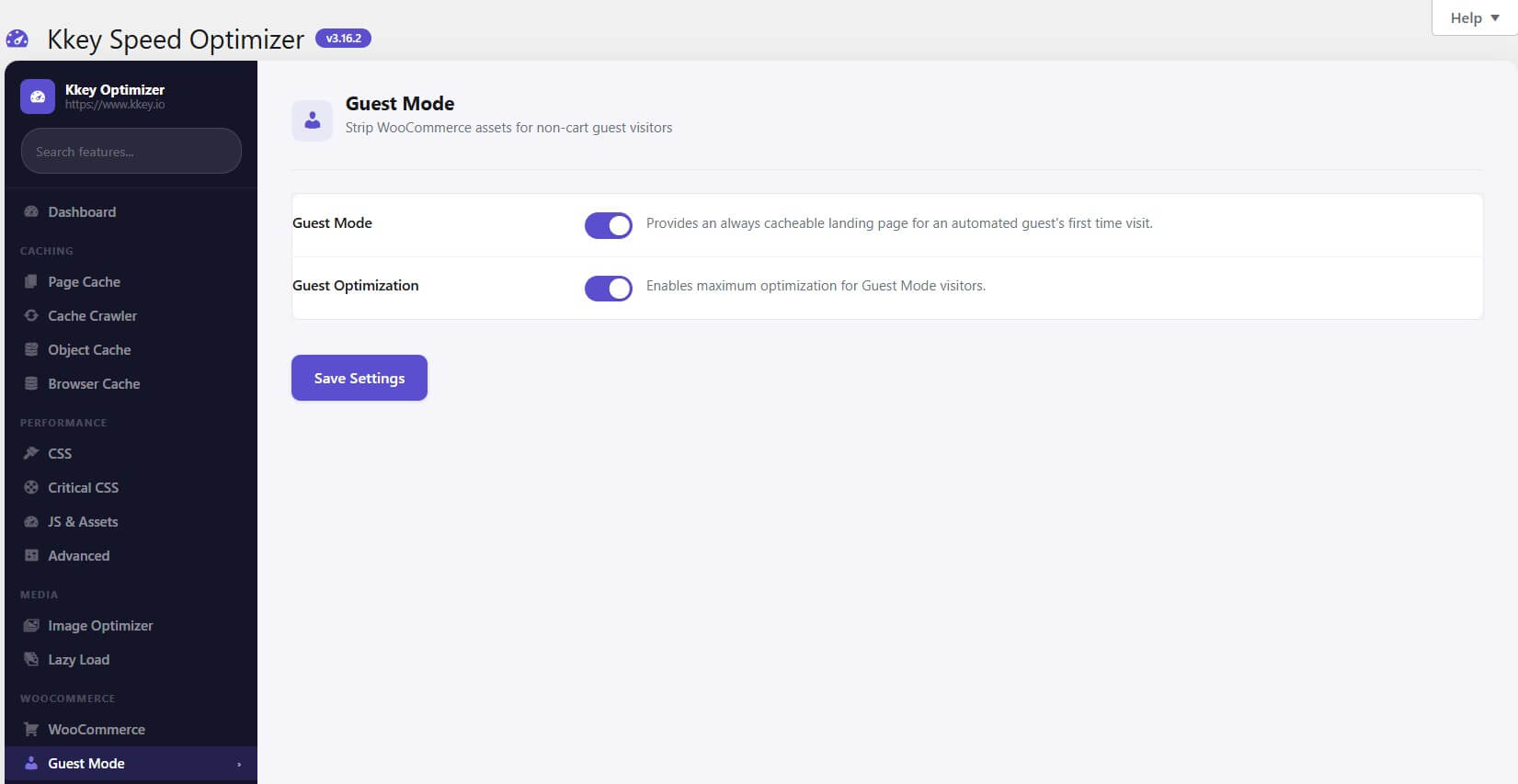
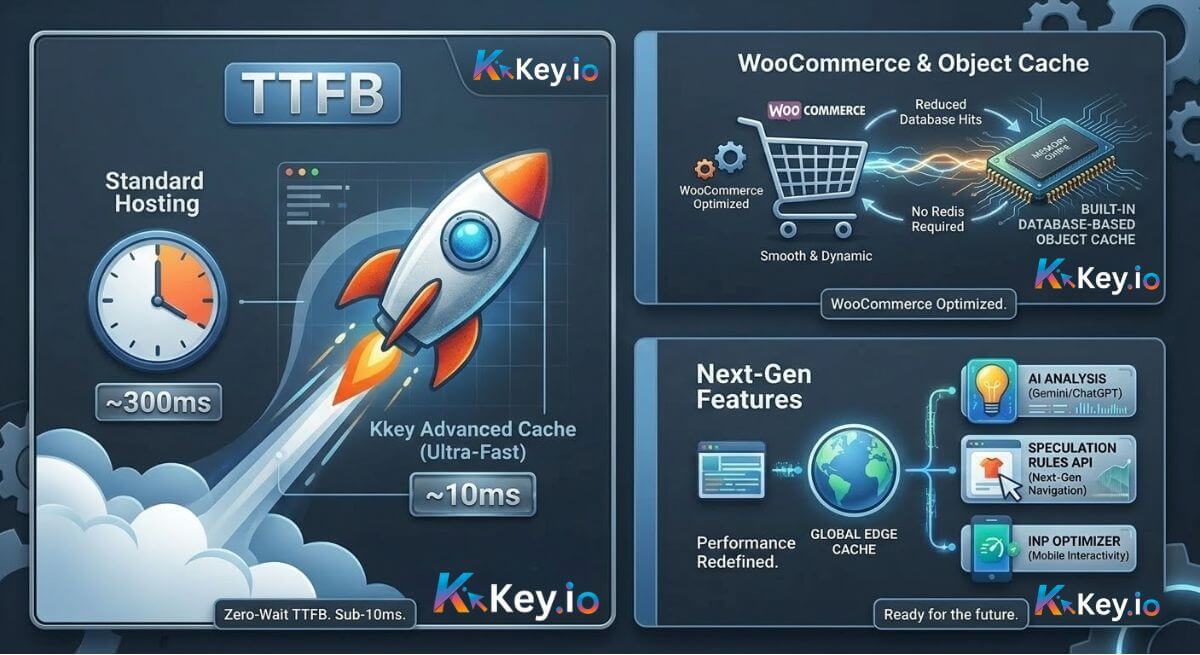
Generic caching plugins are designed for blogs. Kkey is built for the high-frequency database hits and dynamic logic of WooCommerce. It provides high-end optimizations like Hole-Punching (Dynamic Content) and Guest Mode that keep your shop dynamic while achieving sub-10ms Time to First Byte.


🔥 Key Selling Points

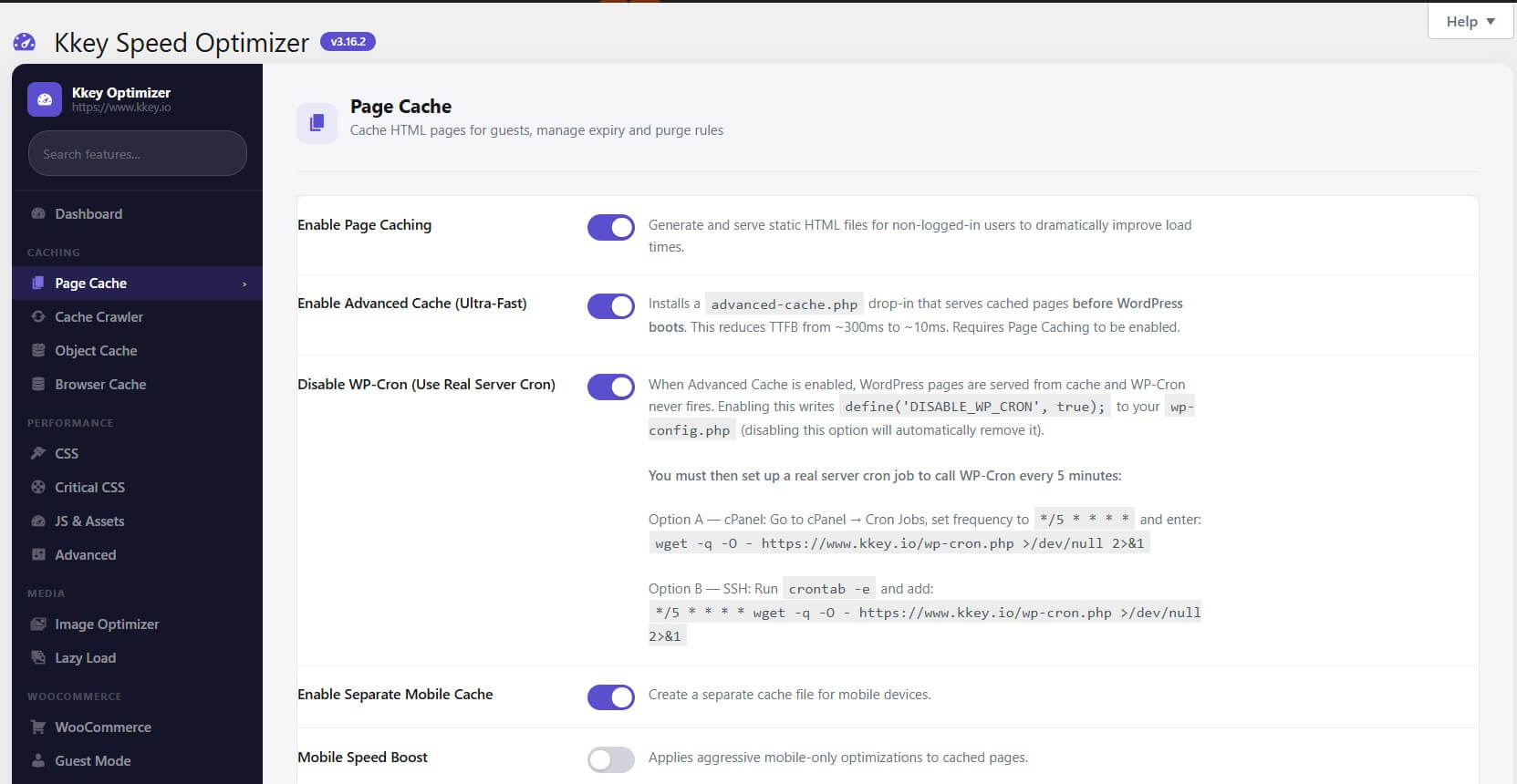
    • Zero-Wait TTFB: Our Advanced Cache (Ultra-Fast) drop-in serves pages before WordPress boots, slashing TTFB from ~300ms to near-instant ~10ms.

    • Built-in Object Cache: Unique database-based object caching that speeds up dynamic pages (Cart, Checkout) even on shared hosting without Redis.

    • AI-Powered Optimization: Integrated with Google Gemini and ChatGPT to analyze your site and automatically generate custom performance code snippets.

    • Next-Gen Navigation: Uses the Speculation Rules API to predict user clicks and pre-render pages in the background for “zero-second” transitions.

🛠️ Kkey Speed Optimizer: Detailed Feature Breakdown

📦 Smart Caching & Delivery

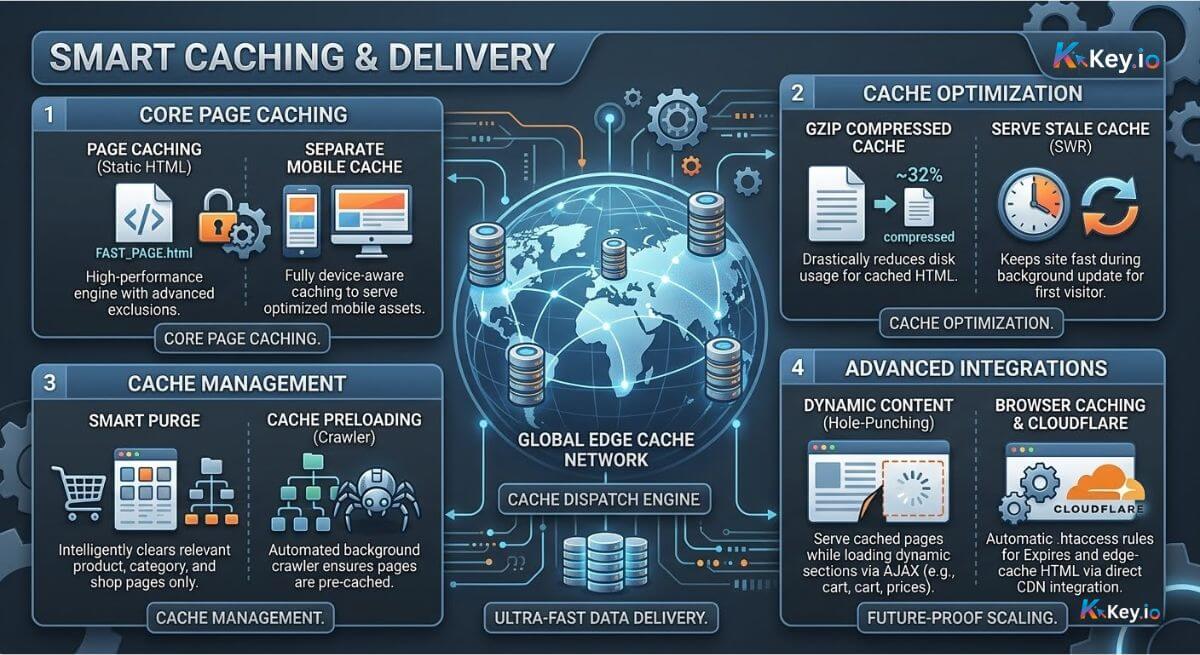
    • Page Caching (Static HTML): High-performance engine with advanced exclusions.

    • Separate Mobile Cache: Fully device-aware caching to serve optimized mobile assets.

    • GZIP Compressed Cache: Drastically reduces disk usage for cached HTML.

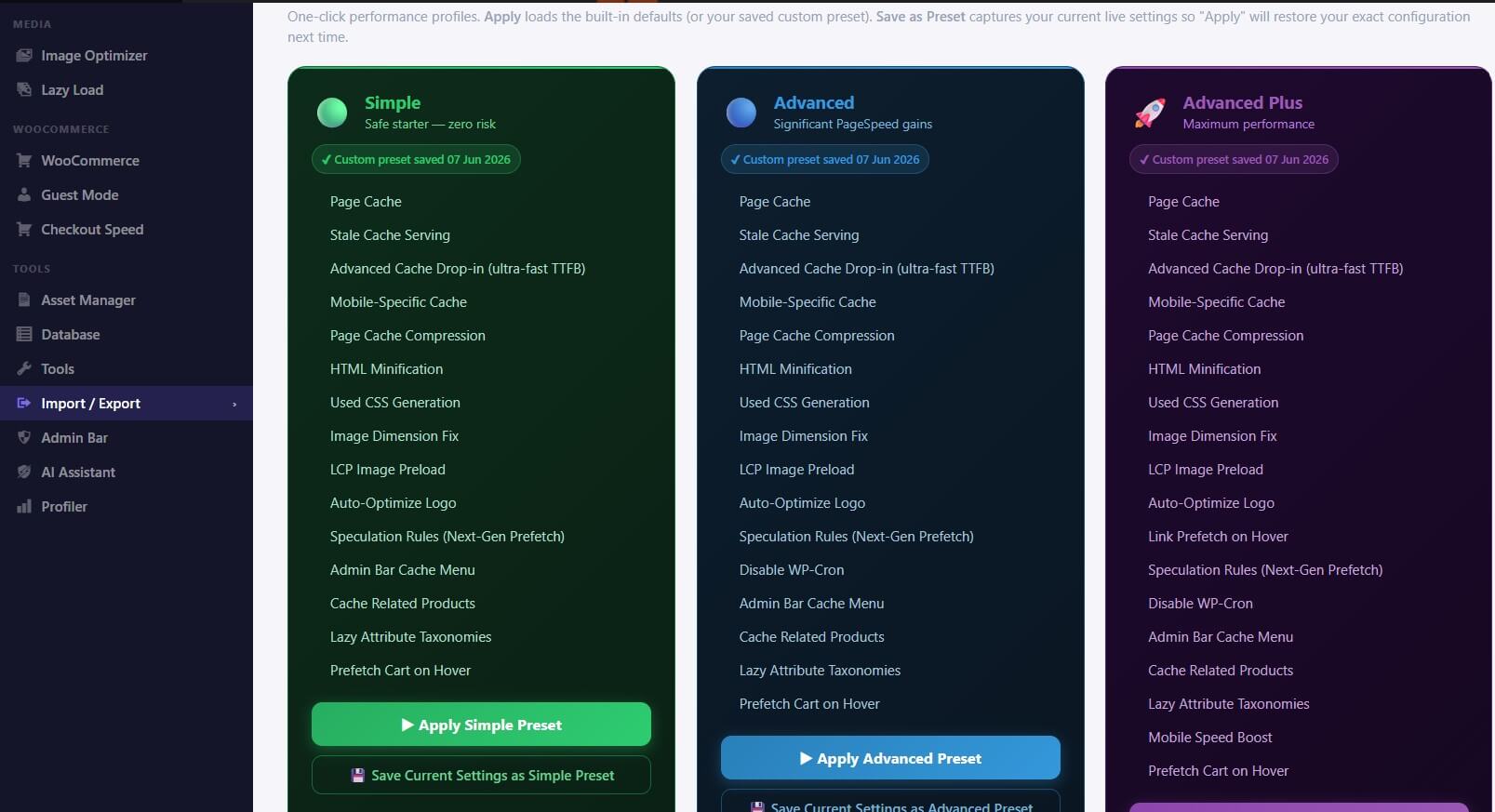
    • Serve Stale Cache (SWR): Keeps the site fast for the first visitor after cache expiry.

    • Smart Purge: Intelligently clears only relevant product, category, and shop pages.

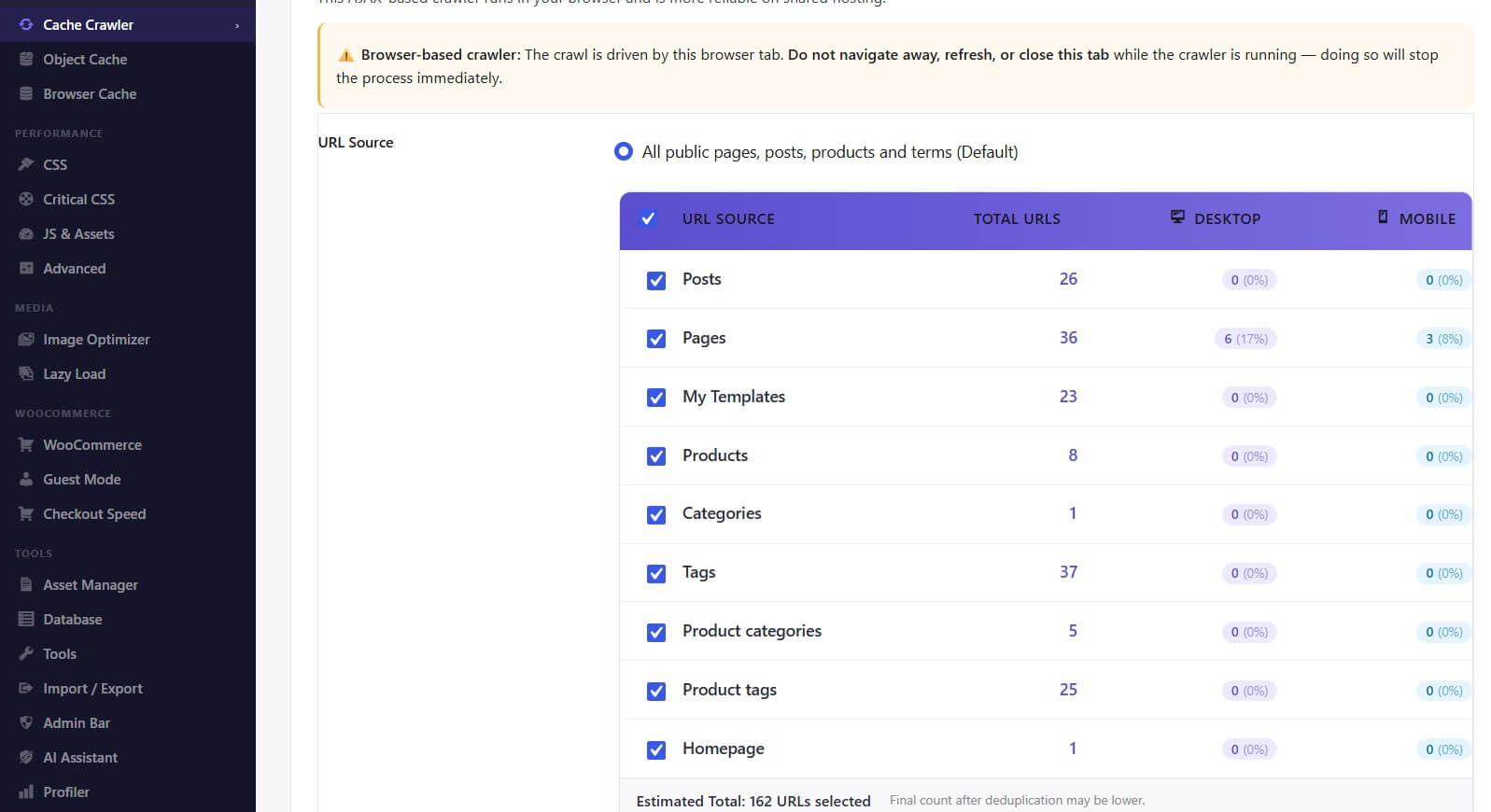
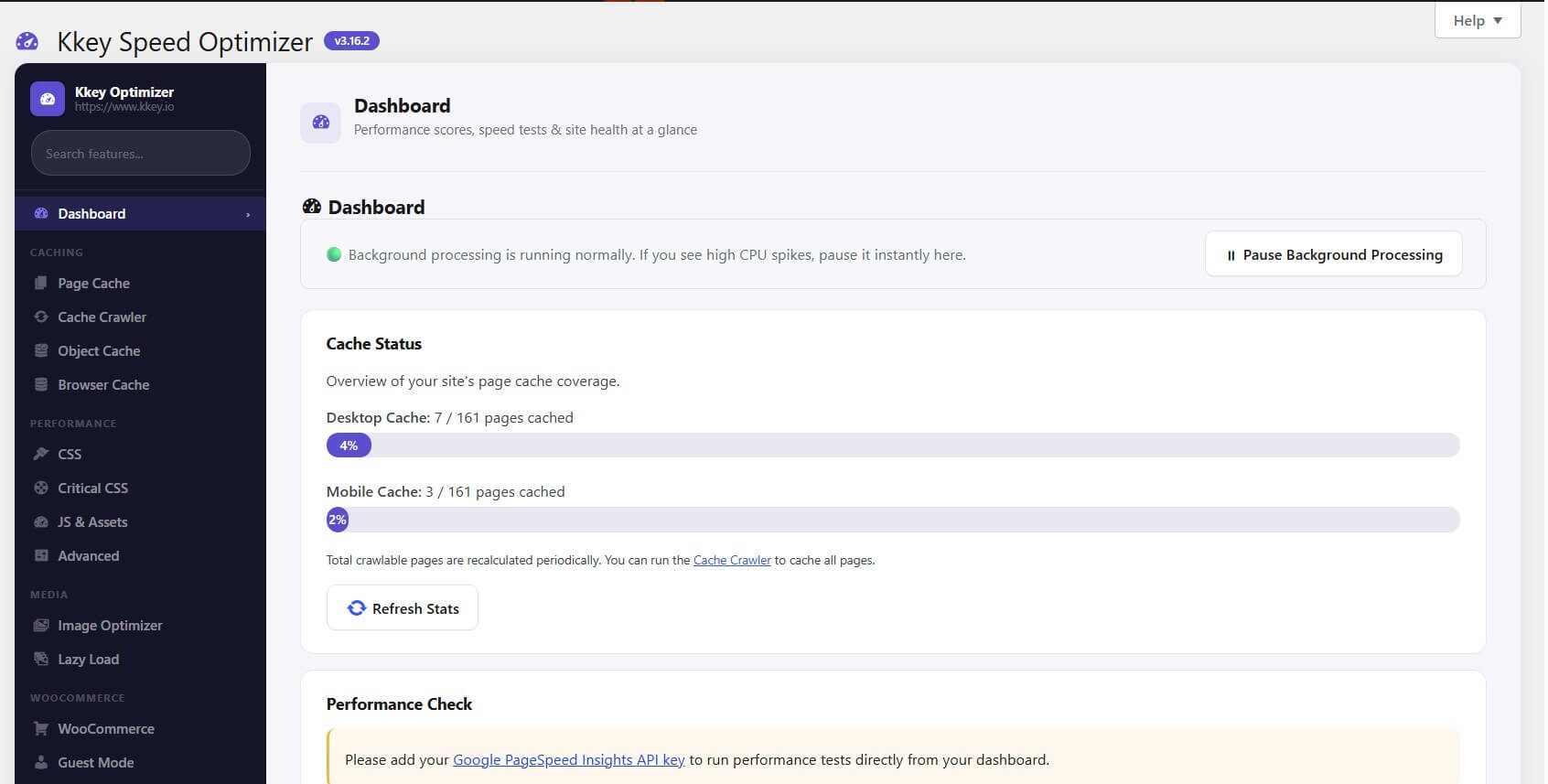
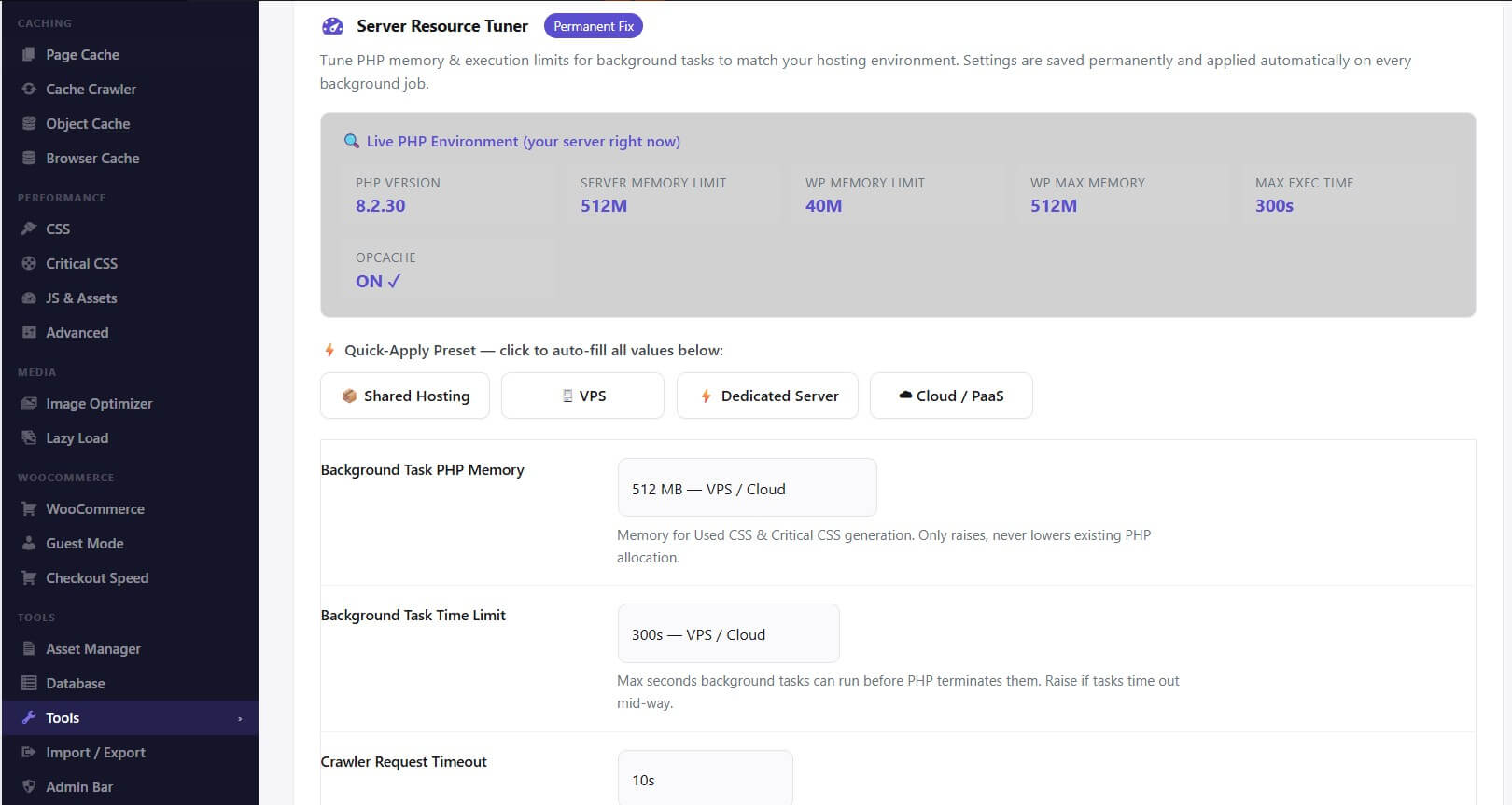
    • Cache Preloading (Crawler): Automated background crawler ensures pages are always pre-cached.

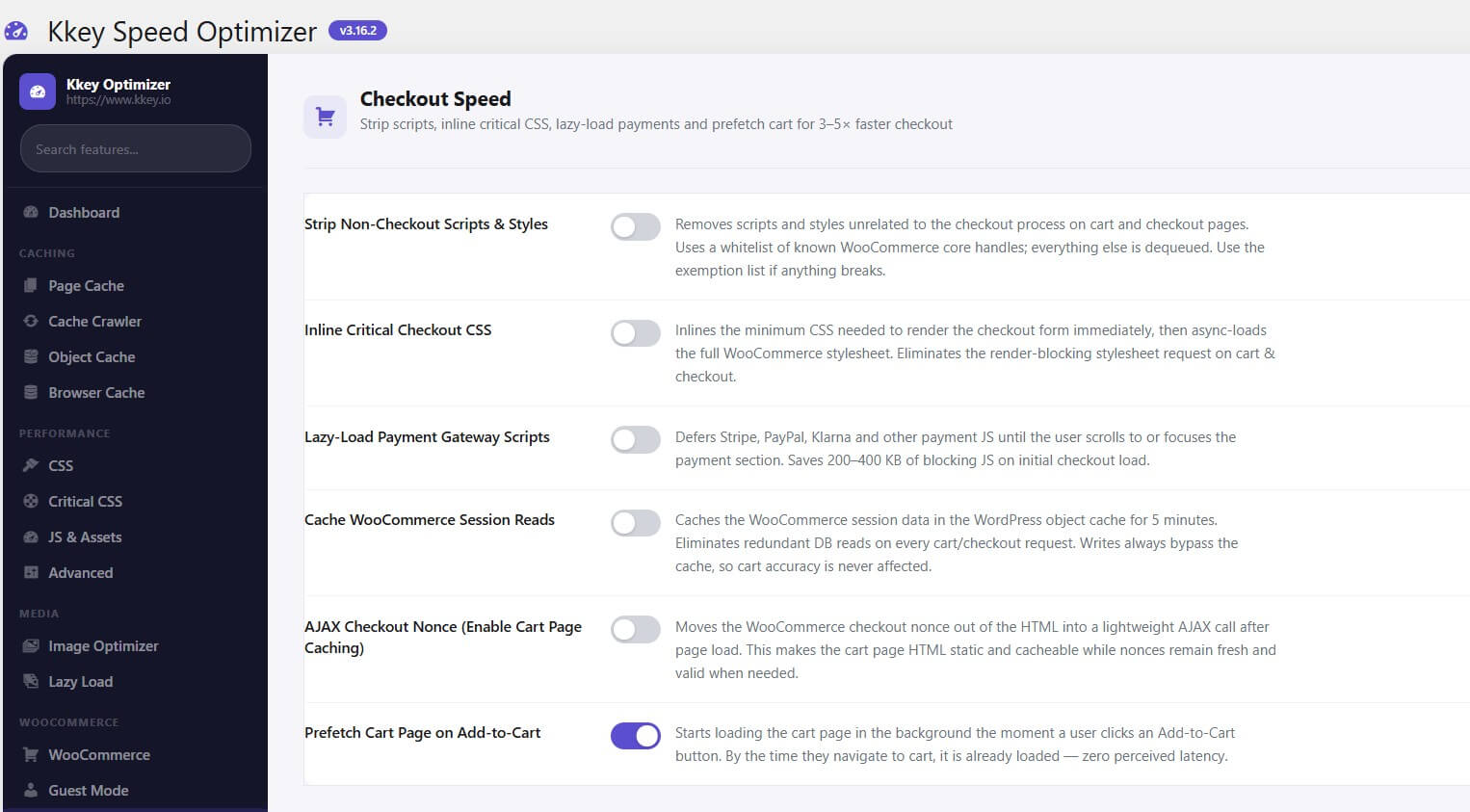
    • Dynamic Content (Hole-Punching): Serve cached pages while loading dynamic sections via AJAX.

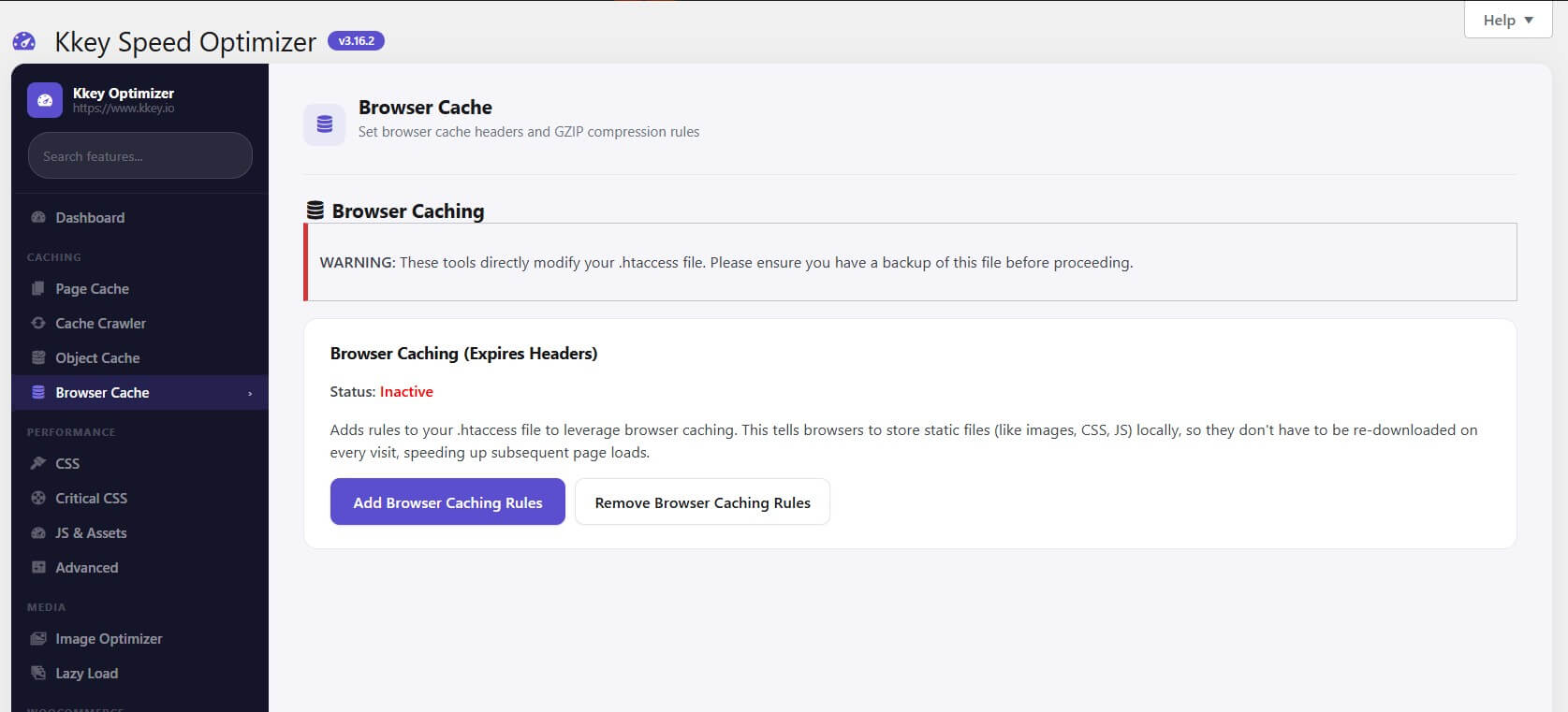
    • Browser Caching (.htaccess): Automatic rules for Expires headers and long-term asset caching.

    • Cloudflare Full-Page Cache: Direct integration to edge-cache HTML at the CDN level.
✨ CSS & JavaScript Optimization

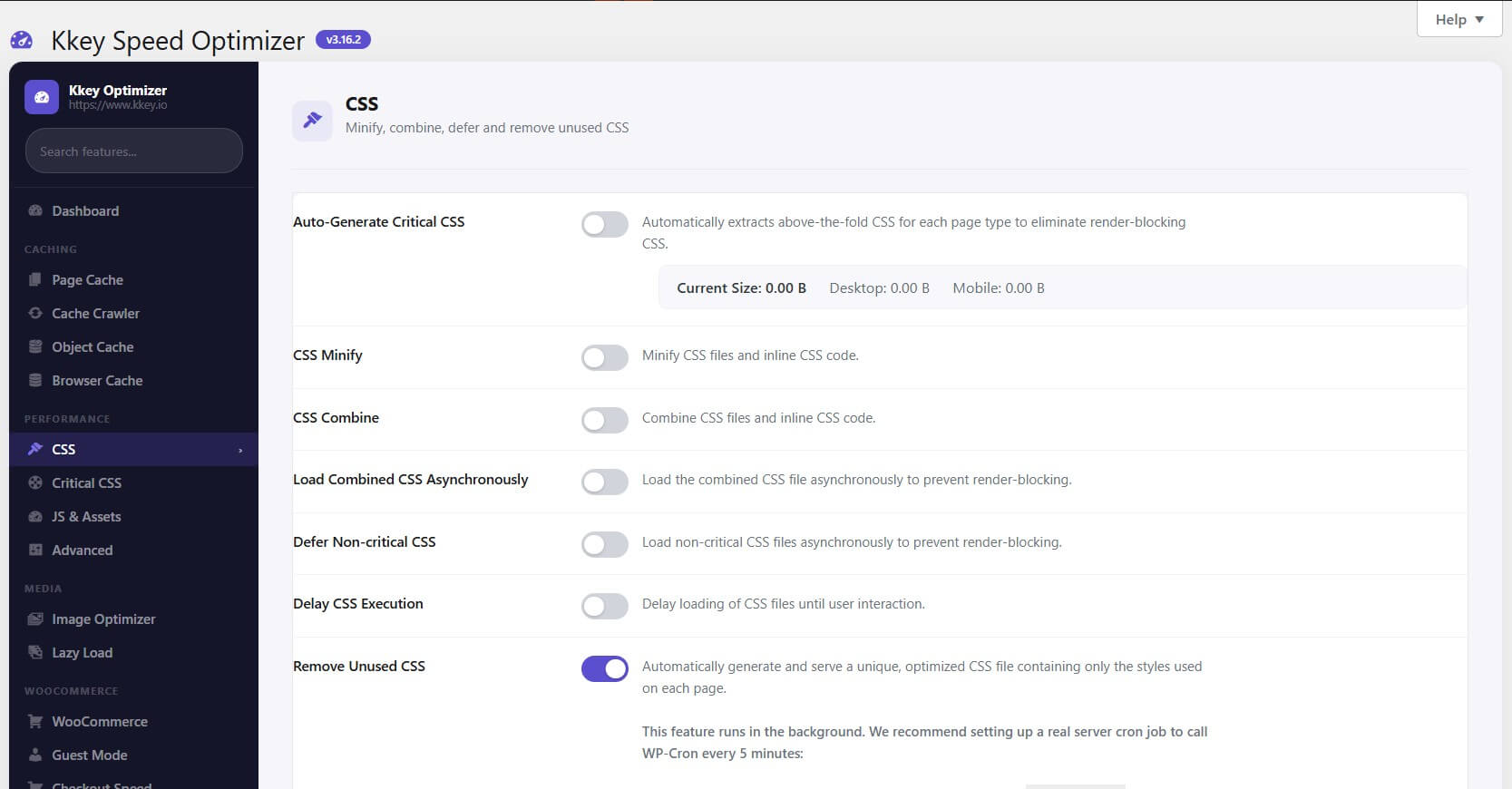
    • Remove Unused CSS (RUCSS): Device-aware, automated generation of unique, minimal CSS files per page.

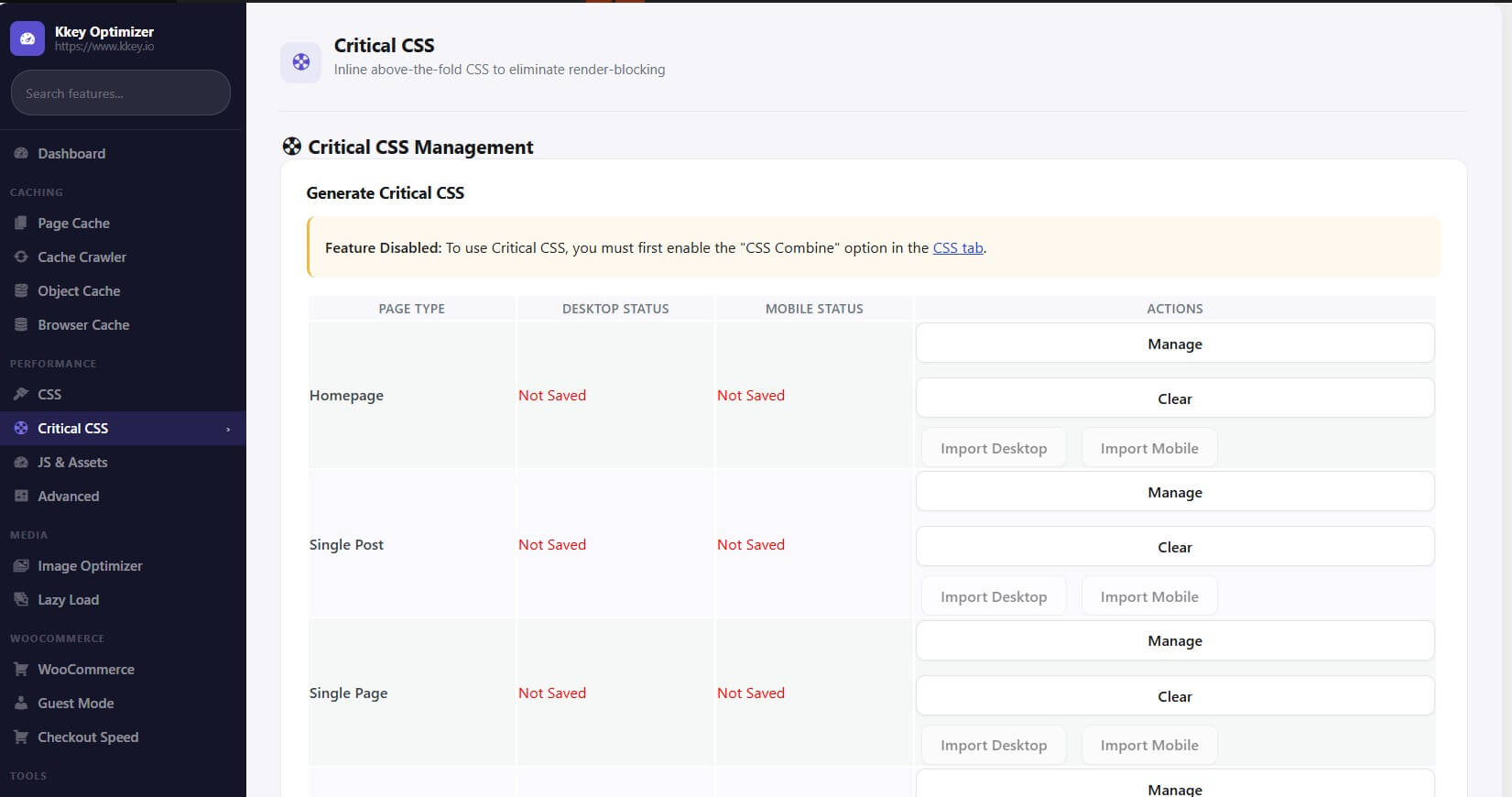
    • Auto-Generate Critical CSS: Extracts above-the-fold styles to eliminate render-blocking.

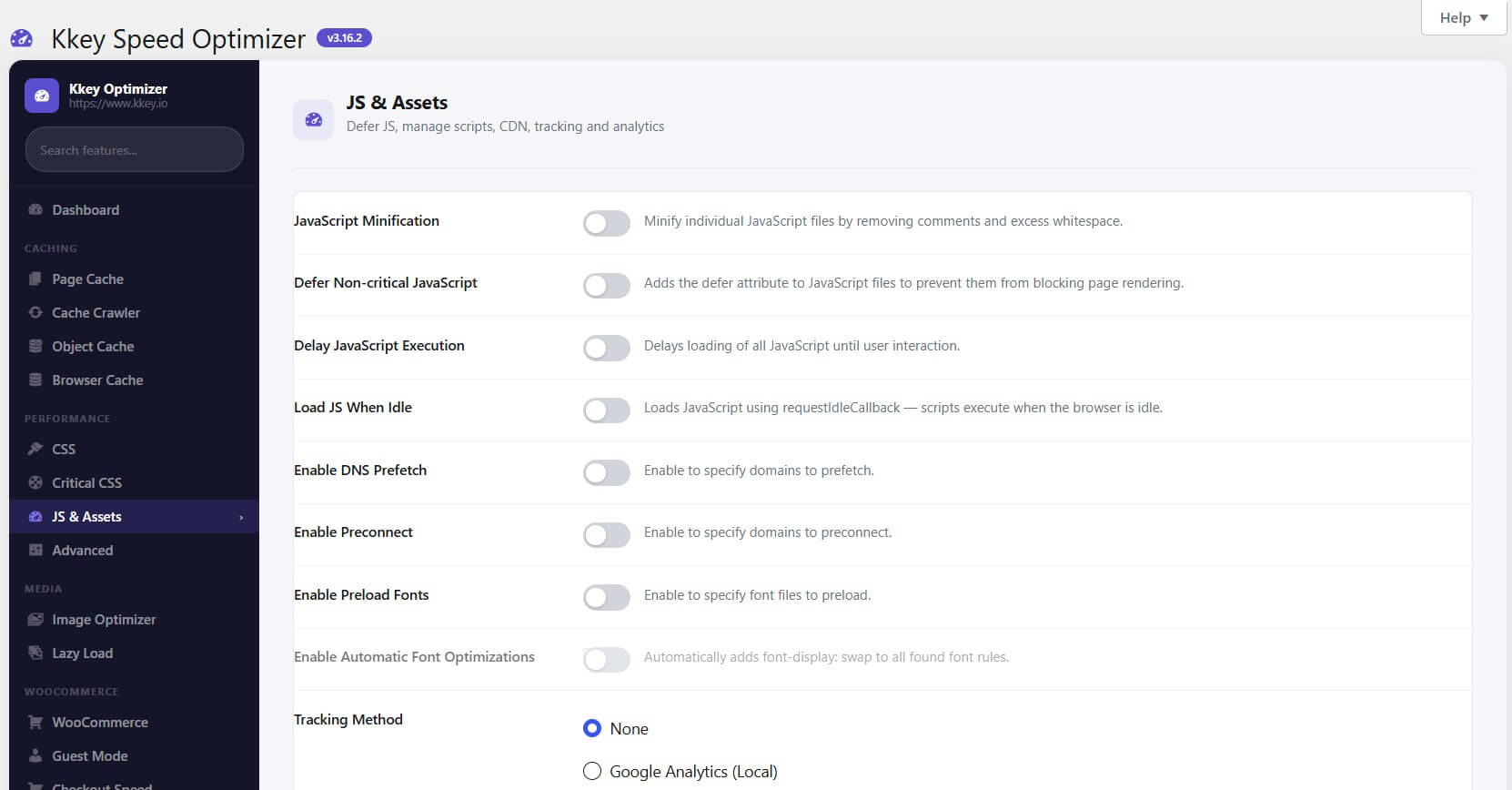
    • CSS/JS Minification: High-performance local minification engine.

    • Delay CSS/JS: Withheld until user interaction to achieve perfect PageSpeed scores.

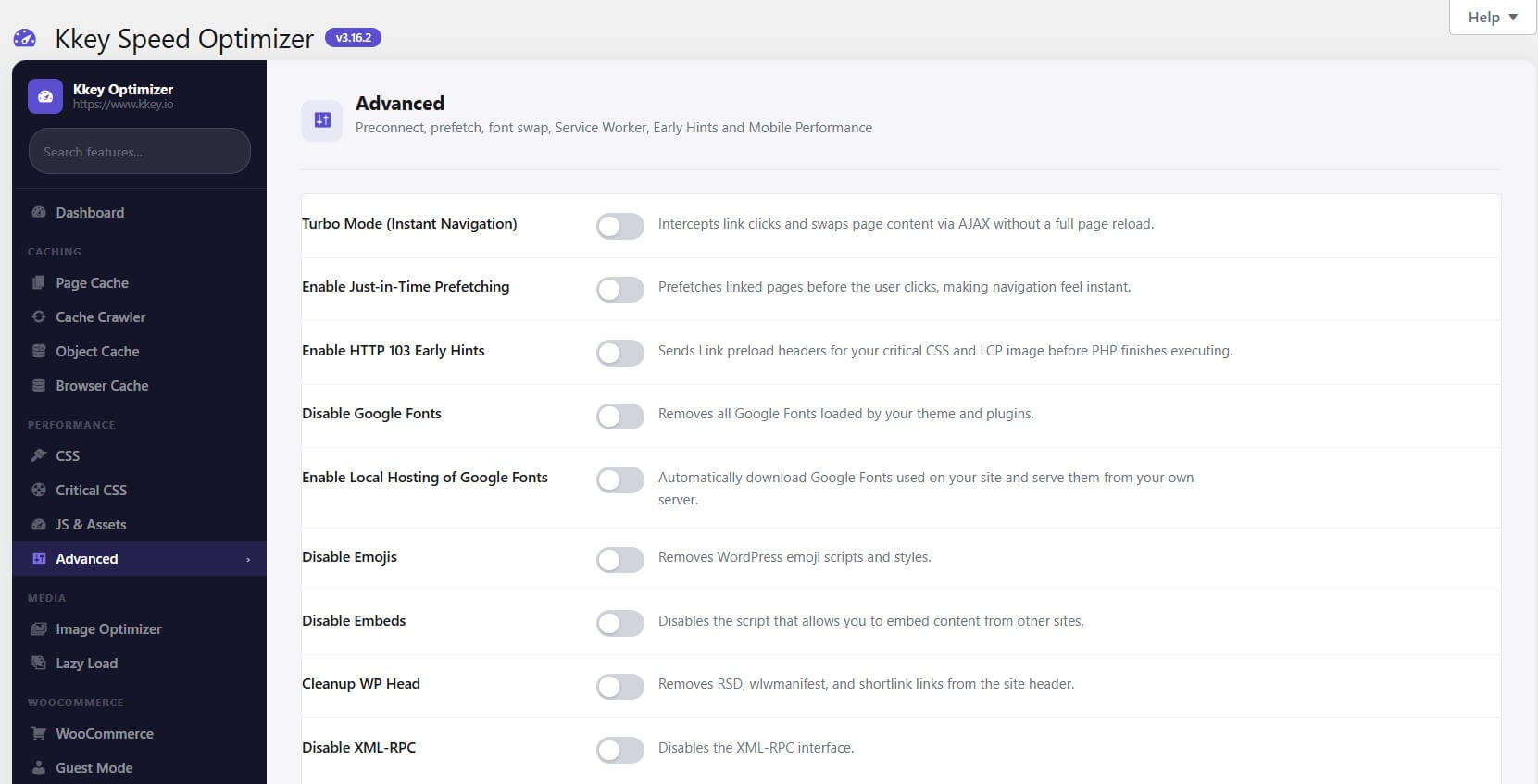
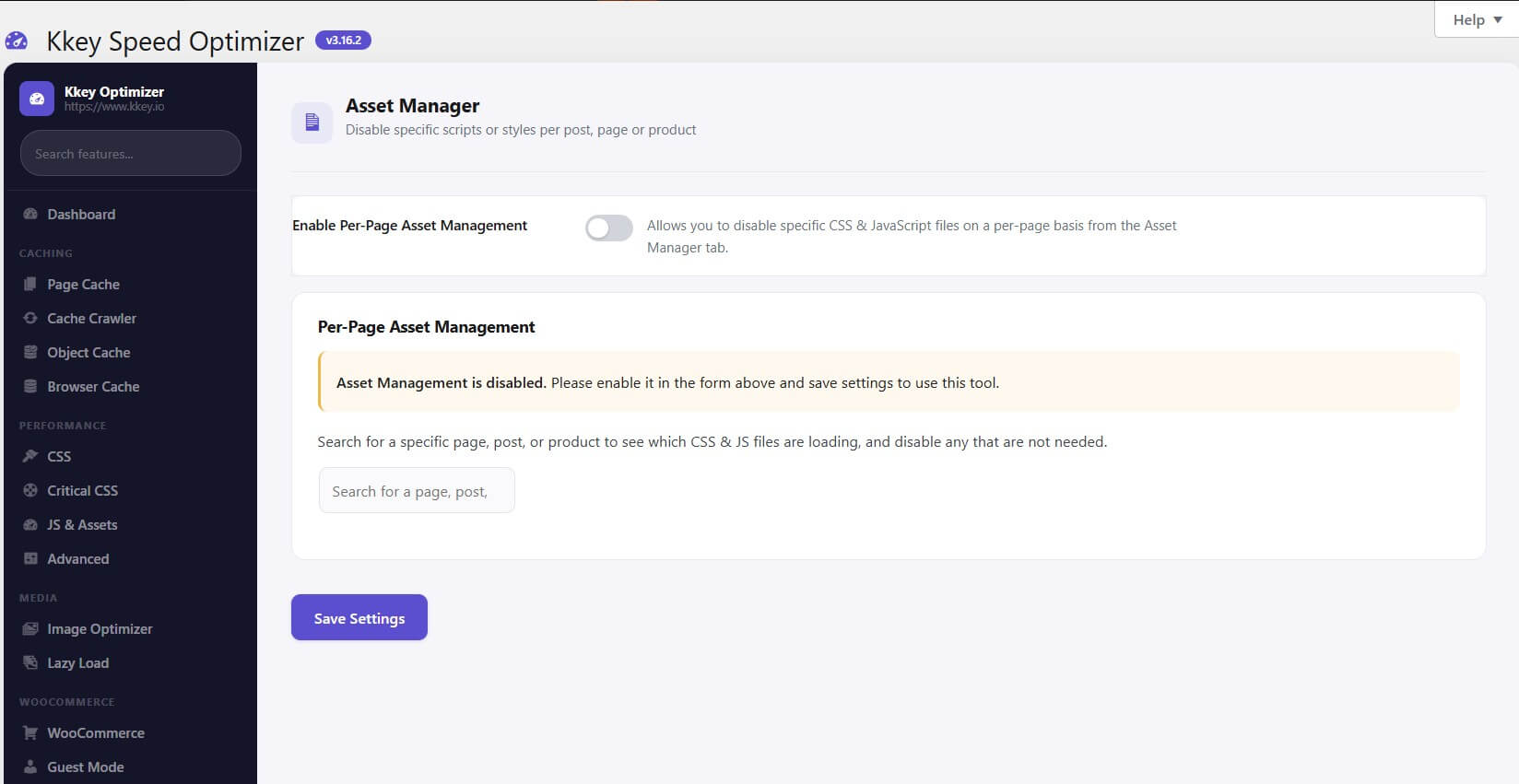
    • Per-Page Asset Manager: Precision control to disable specific scripts/styles on individual pages.
    • “Load When Idle”: Uses request Idle Callback to load scripts when the browser is free.

🖼️ Image & Media Performance

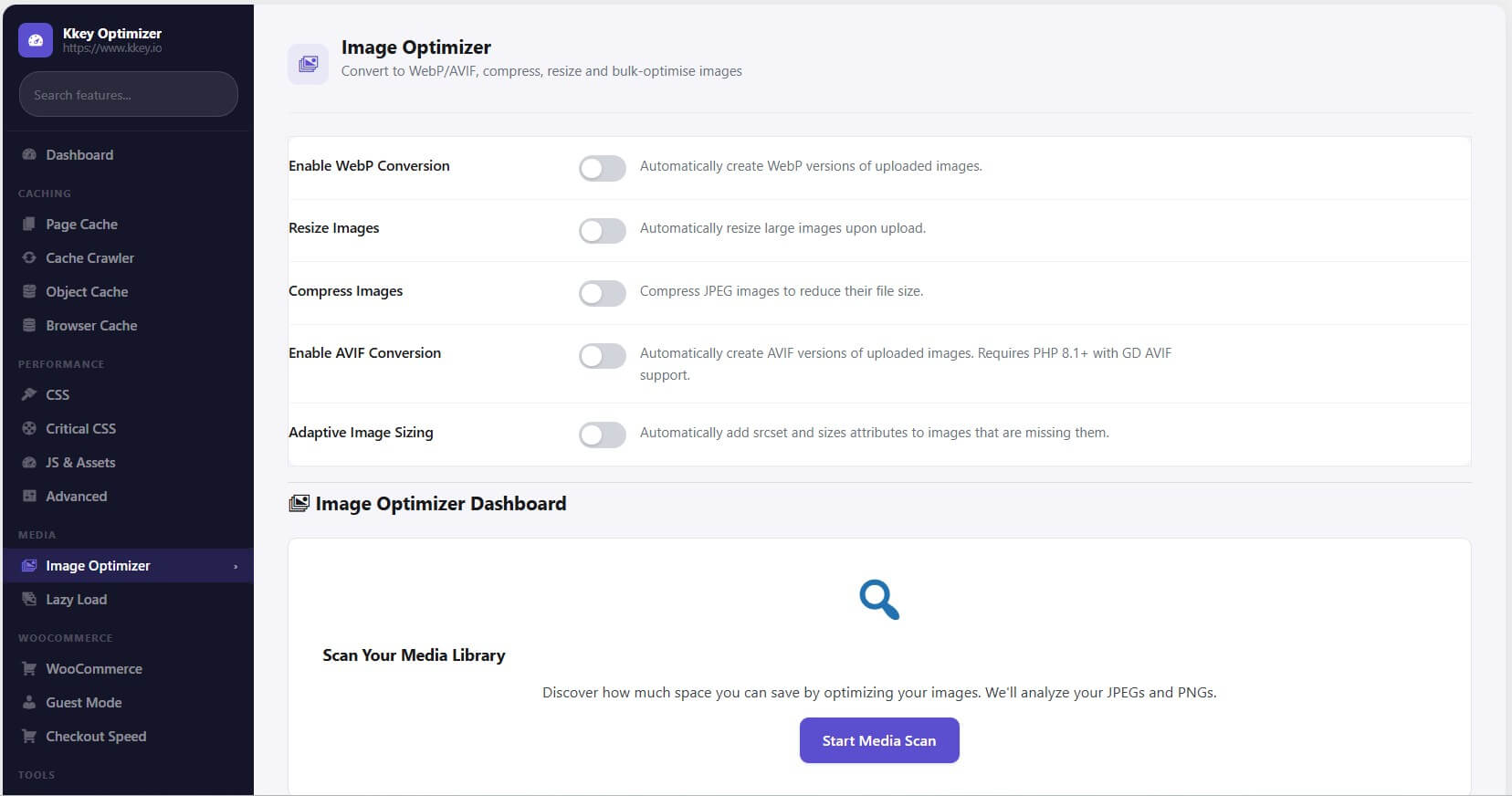
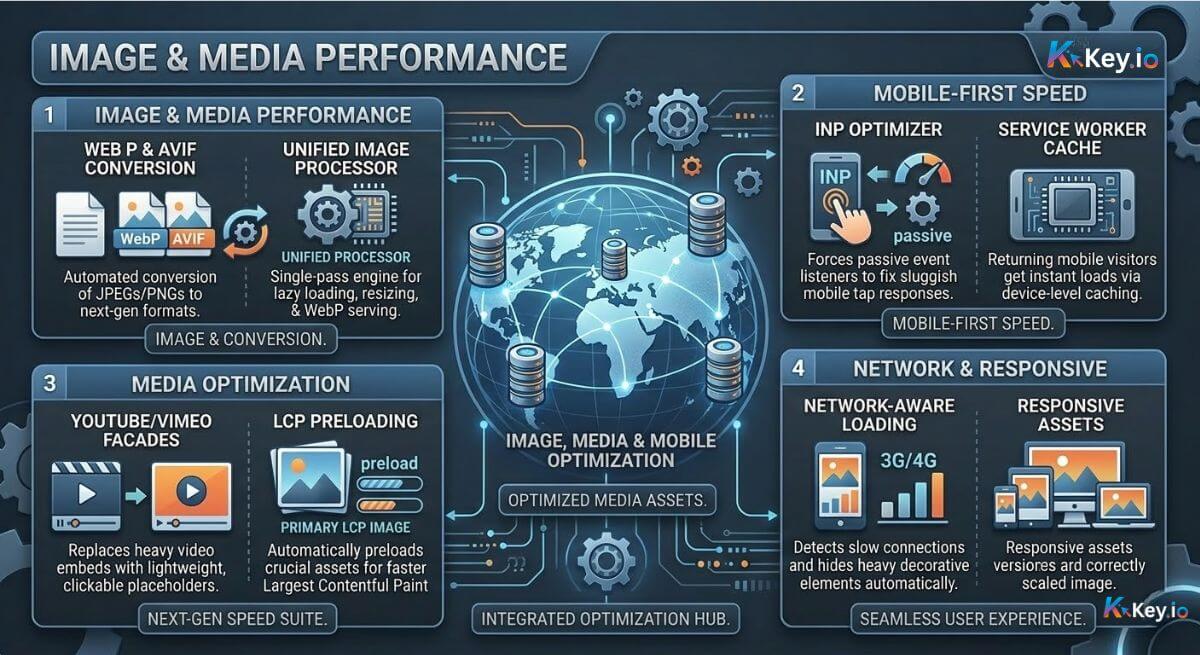
    • WebP & AVIF Conversion: Automated conversion of JPEGs and PNGs to next-gen formats.

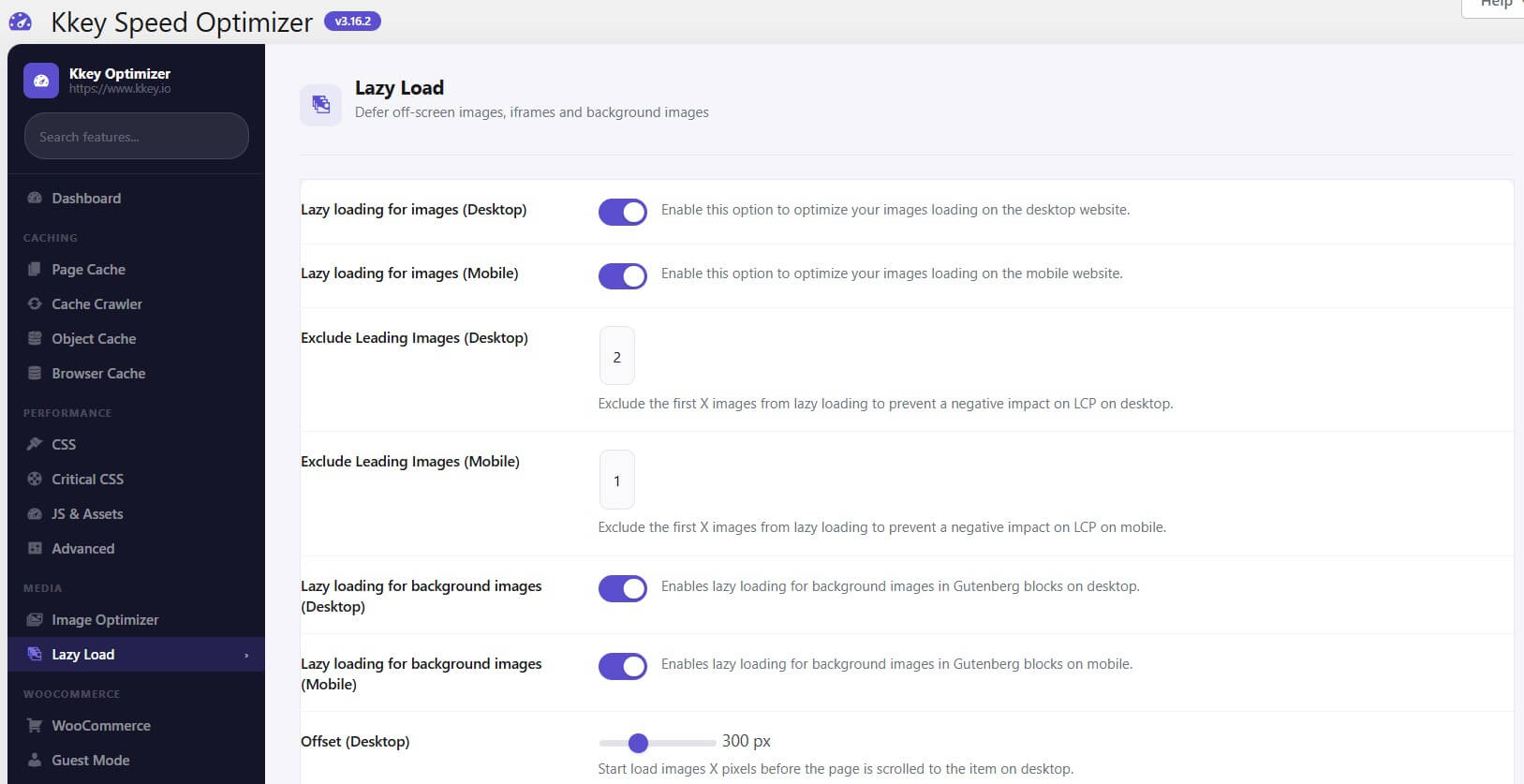
    • Unified Image Processor: A single-pass engine for lazy loading, resizing, and WebP serving.

    • YouTube/Vimeo Facades: Replaces heavy video embeds with lightweight, clickable placeholders.

    • LCP Preloading: Automatically preloads your most important image to maximize LCP scores.

📱 Mobile-First Speed

    • INP Optimizer: Forces passive event listeners to fix sluggish mobile tap responses.

    • Service Worker Cache: Returning mobile visitors get instant loads via device-level asset caching.

    • Network-Aware Loading: Detects slow 3G/4G and hides heavy decorative elements automatically.
🏆 Head-to-Head Comparison

Feature Kkey Optimizer WP Rocket LiteSpeed Cache
Object Caching ✅ Built-in (Database-based) ❌ None ✅ (Requires Redis)
AI Speed Analysis ✅ Gemini/ChatGPT Integration ❌ None ❌ None
Advanced Cache Drop-in ✅ Pre-WP Booting (~10ms TTFB) ✅ Included ✅ Included
Dynamic WooCommerce Prices ✅ AJAX Price Fetching ❌ Manual Setup ✅ ESI Needed
Speculation Rules API ✅ Next-Gen Pre-rendering ❌ Standard Only ❌ Standard Only
Per-Page Asset Manager ✅ Native UI Included ❌ External Plugin ✅ Included
INP Mobile Optimizer ✅ Passive Listener Logic ❌ Basic Only ❌ Basic Only
Service Worker Cache ✅ Stale-While-Revalidate ❌ None ❌ None
Used CSS Method ✅ External Device-Aware File Inline (Slower) External File
Hole-Punching ✅ [kkey_dynamic_content] ❌ None ✅ (ESI)


Frequently Asked Questions

This plugin is designed specifically for WooCommerce store owners and WordPress site administrators who prioritize website performance and Core Web Vitals.

Based on its features, it is best suited for:

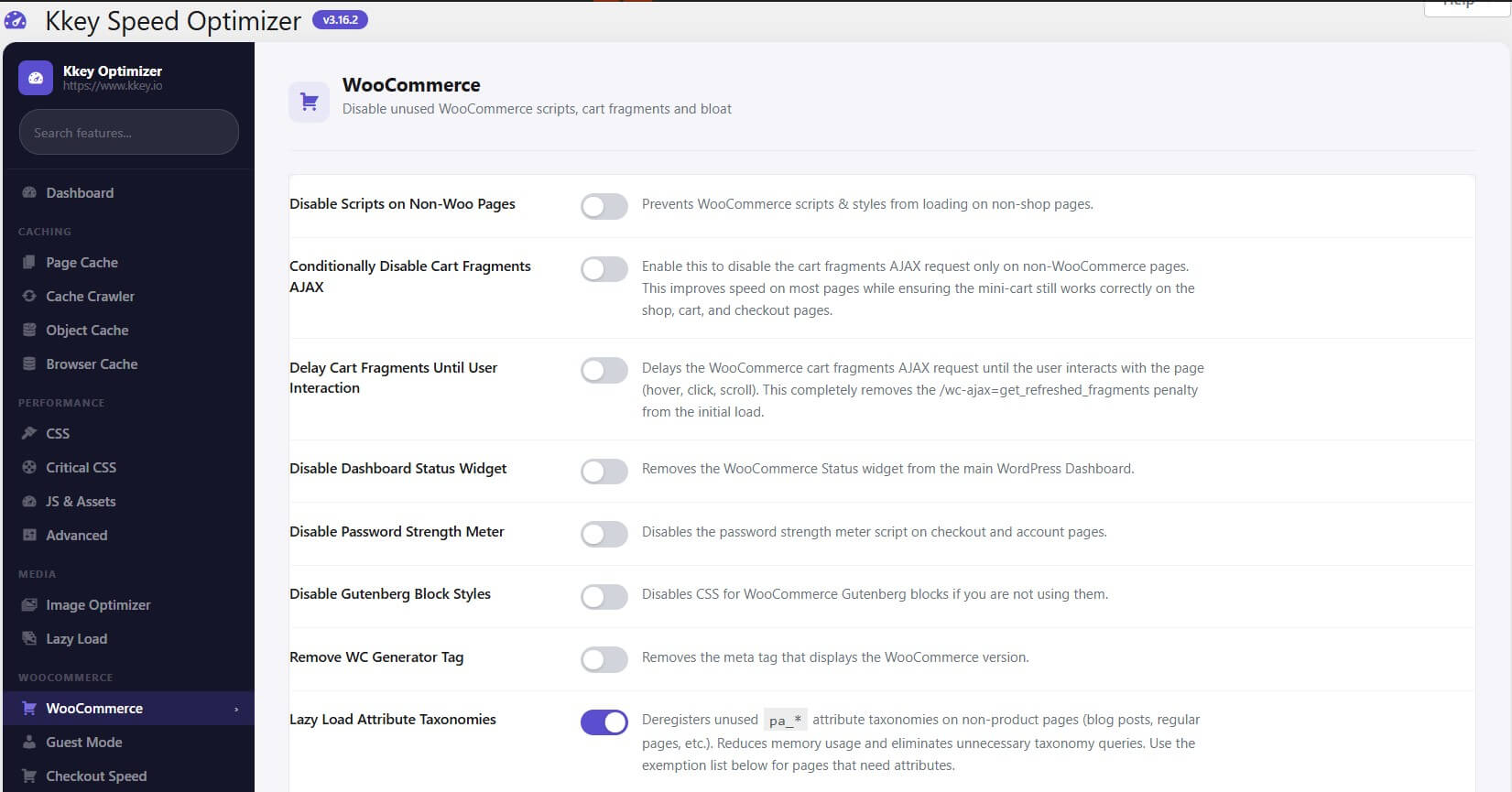
  • WooCommerce Merchants: The plugin includes specific optimizations for e-commerce, such as fragment caching for carts and specialized handling of product pages to ensure that speed enhancements don’t break the shopping experience.

  • Users Focused on Core Web Vitals: If you are trying to improve “Largest Contentful Paint” (LCP) or “Interaction to Next Paint” (INP), the plugin provides dedicated tools like Critical CSS generation and an INP optimizer to address these specific Google ranking factors.

  • High-Traffic Sites: With its “Advanced Cache” layer—which serves pages before WordPress even boots—the plugin is ideal for sites that need to handle high traffic volumes while maintaining low server response times (TTFB).

  • Developers & Power Users: It offers granular controls, such as an Asset Manager to disable scripts on a per-page basis and a Custom Snippets manager with built-in safety “kill-switches” (like the ?kso_disable_snippet=1 parameter) for testing custom code safely.

  • Global Audiences: Since it includes features for WebP/AVIF image conversion and CDN integration, it is a strong choice for businesses serving customers across different geographic locations where image optimization and low latency are critical.

While the Kkey Speed Optimizer is designed specifically to help you achieve a 90+ or 100/100 score on Google PageSpeed Insights, it is not a “speed testing” tool itself.

Instead of showing you the score inside your WordPress dashboard, it focuses on fixing the specific technical issues that Google PageSpeed Insights flags. Here is how it works in relation to Google’s metrics:

  • LCP (Largest Contentful Paint): The plugin fixes this by using “Critical CSS” and “Advanced Caching” so your main content appears almost instantly.

  • CLS (Cumulative Layout Shift): It prevents your page from “jumping” by reserving space for images and fonts before they load.

  • INP (Interaction to Next Paint): It includes a dedicated “INP Optimizer” that ensures your site responds immediately when a user clicks a button or menu.

  • Image Audits: It automatically solves Google’s “Serve images in next-gen formats” warning by converting your library to WebP or AVIF.

In short: You use Google PageSpeed Insights to find the problems, and you use Kkey Speed Optimizer to automatically fix them. If you ever want to see your new score after installing the plugin, you would still visit the official Google PageSpeed Insights website to run a fresh scan.

Yes, the Kkey Speed Optimizer includes an AI Assistant feature that uses artificial intelligence to help diagnose and resolve website speed issues.

Here is how the AI functionality works within the plugin:

  • AI Providers: You can configure the plugin to use either Google Gemini or OpenAI ChatGPT by providing your own API key in the settings.

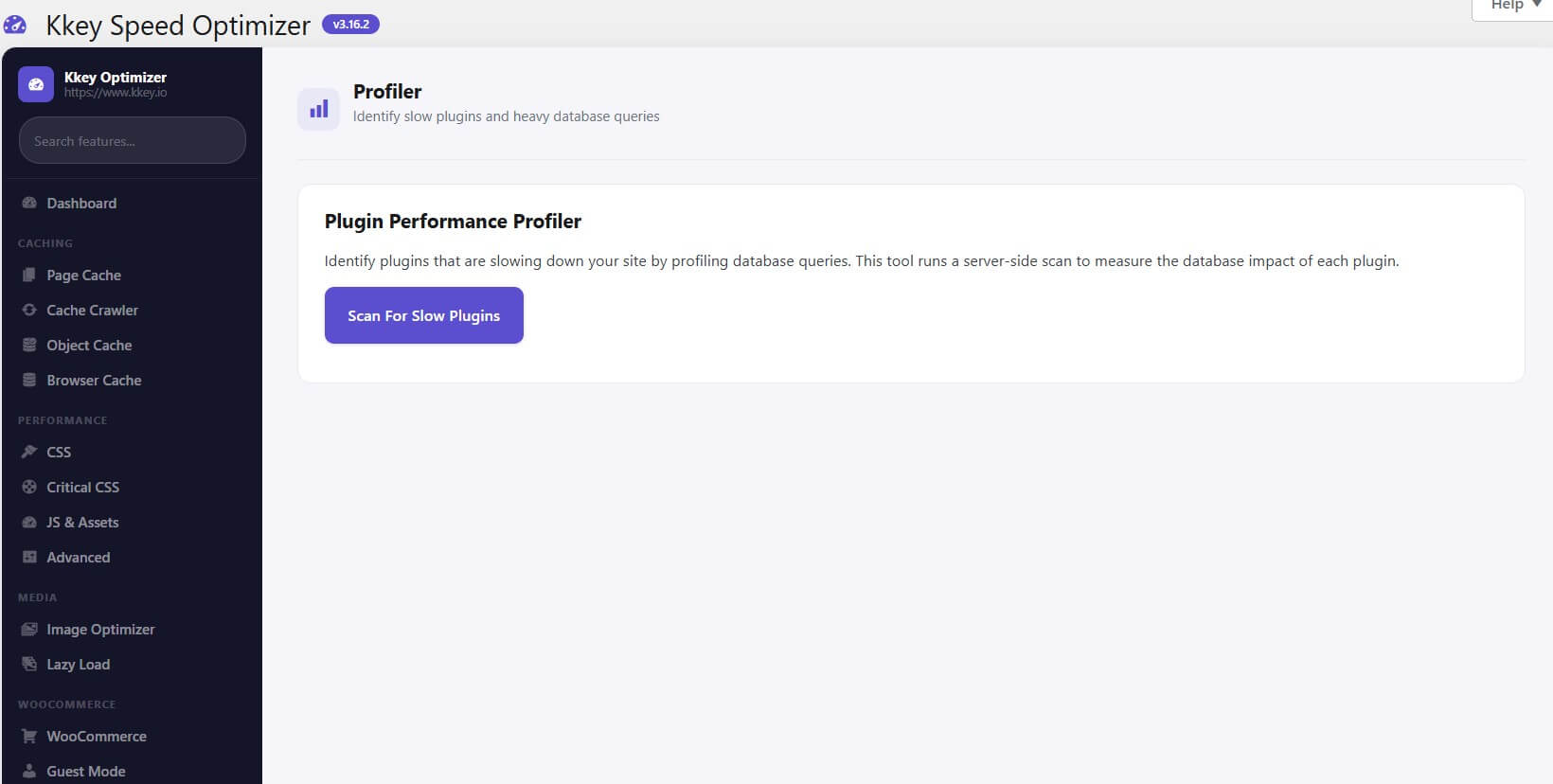
  • Performance Analysis: The AI can analyze complex performance data, such as JavaScript Treemap data from Lighthouse reports. It identifies which scripts are the most “wasteful” (having high amounts of unused code) and provides specific, actionable suggestions on whether to defer, delay, or replace them.

  • Automated Code Generation: After the analysis, you can use the AI to automatically generate a production-ready PHP code snippet. This snippet is designed to implement the recommended optimizations (like conditionally loading or deferring heavy scripts) specifically for your site.

  • One-Click Implementation: These AI-generated snippets can be saved and activated directly through the plugin’s dashboard, with a built-in safety “kill-switch” to disable them if they cause any issues.

In addition to these AI features, the plugin uses automated “intelligent” systems for tasks like Auto-Generating Critical CSS and Removing Unused CSS to ensure that only the necessary code is loaded for each page.

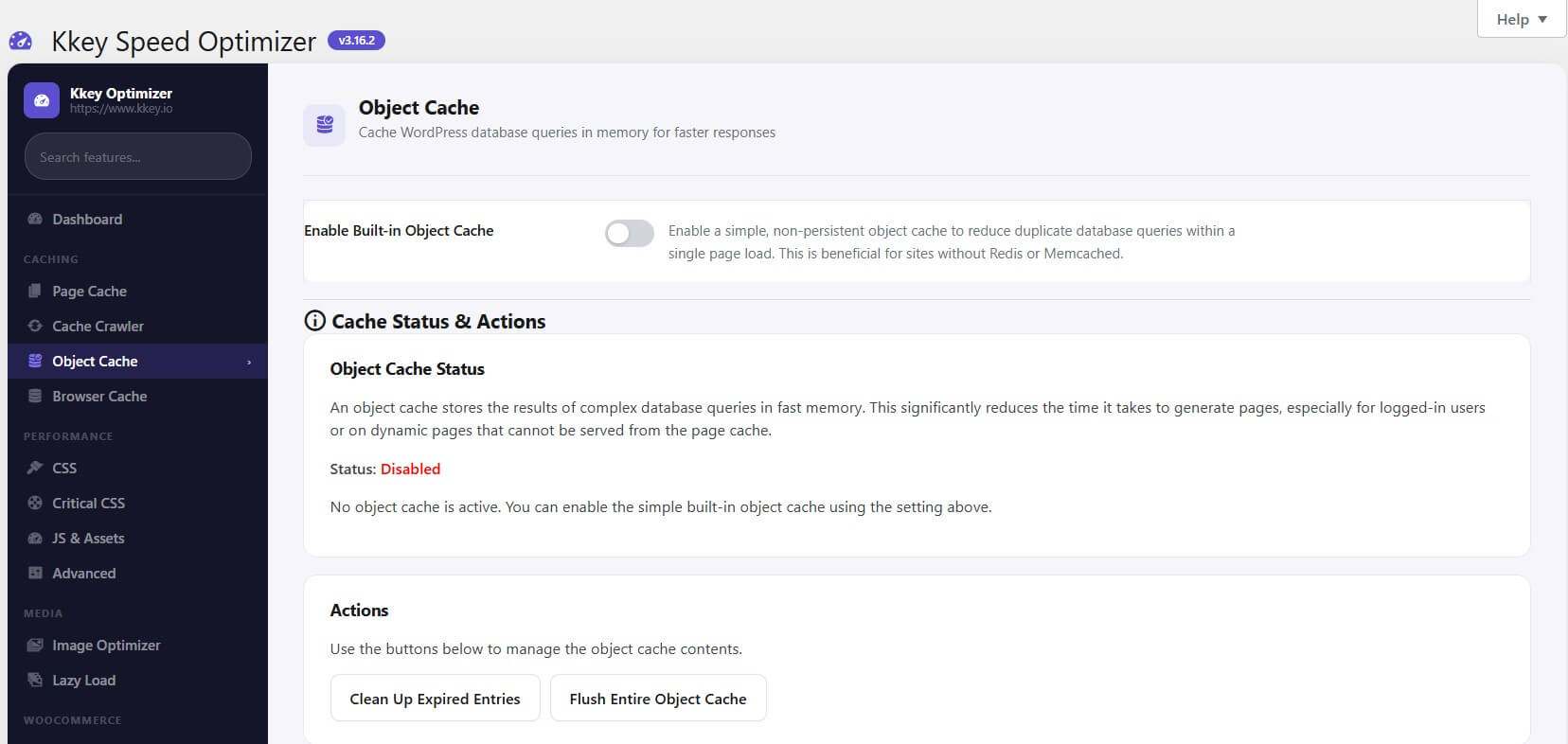
Yes, the Kkey Speed Optimizer includes a built-in object cache. This feature is specifically designed to store the results of complex database queries in fast memory, significantly reducing the time it takes to generate pages.

What makes it special are the following characteristics:

  • Custom Database Table Integration: It uses a dedicated custom database table (kkey_object_cache) to store data. This makes it an ideal alternative for websites on hosting environments that do not support standard memory-based caching systems like Redis or Memcached.

  • Persistent Performance: By leveraging its own database table, it provides a persistent caching layer that helps reduce duplicate queries across different page loads.

  • Granular User Controls: You can selectively disable the object cache based on user roles, such as for guest users, logged-in users, or specifically for administrators to ensure they always see fresh content while debugging.

  • Advanced Cleanup & Maintenance: It includes automated cleanup schedules (hourly, twice daily, or daily) to remove expired entries and an option to automatically run OPTIMIZE TABLE to reclaim space and maintain database health.

  • Server-Side Cron Support: For high-traffic sites, it can be configured to use a real server-side cron job for its cleanup tasks instead of the standard WordPress WP-Cron, which helps flatten CPU spikes.

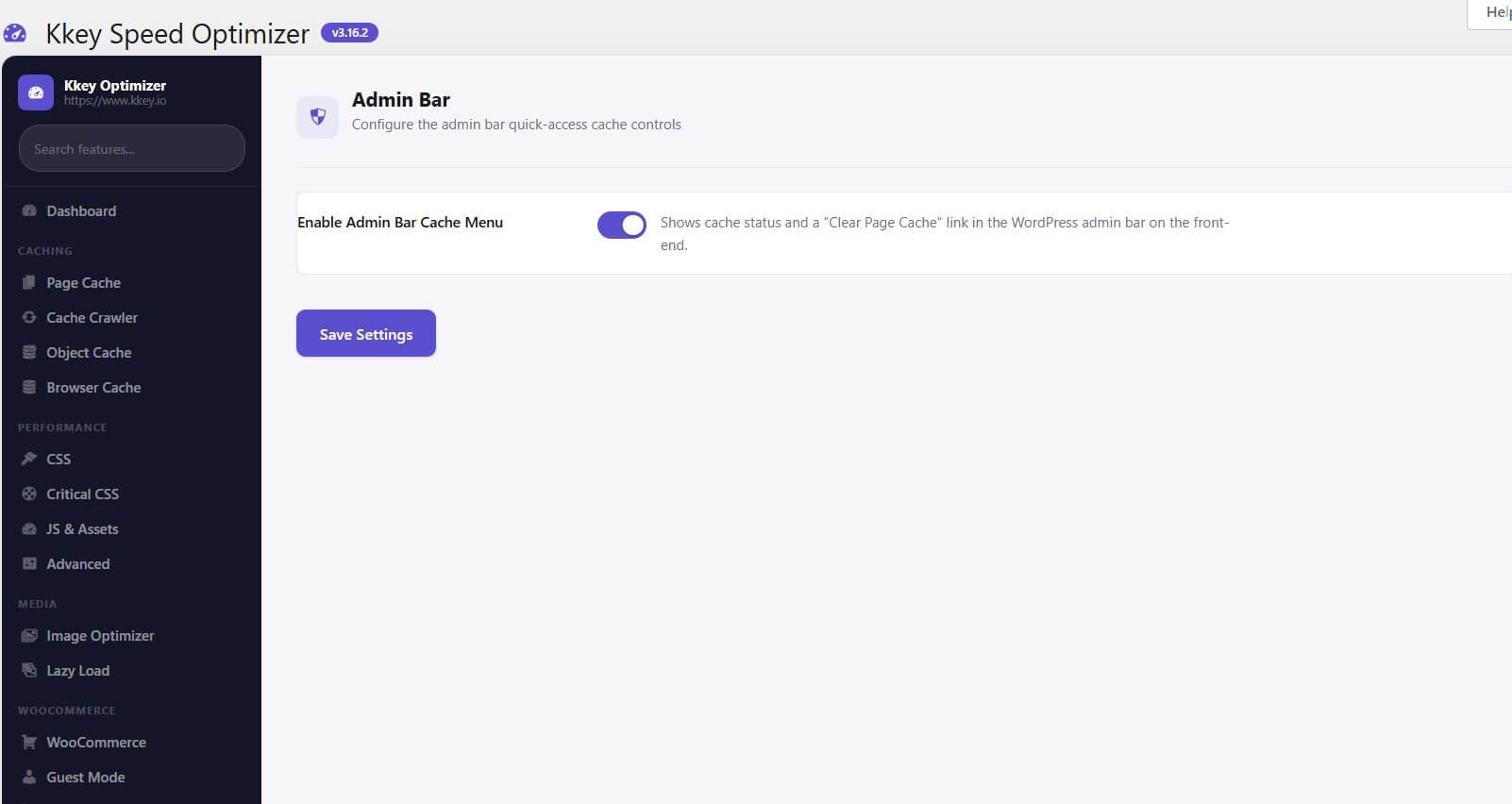
  • Integrated Management Tools: Within the plugin dashboard, you can view individual cache entries, see total cache size, flush the entire object cache, or delete specific cache groups with one click.

The Kkey Speed Optimizer plugin has the following technical requirements for installation and optimal performance:

Core Requirements

  • WordPress Version: Requires at least 5.2.

  • PHP Version: Requires at least 8.1.

  • Required Plugin: WooCommerce must be installed and active. The plugin will automatically deactivate itself and display a notice if WooCommerce is missing.

Yes , we offer 3 days free trial for our Kkey Speed optimizer 

Yes , it is automatically renewed 

Yes , you can upgrade your license within first 3 month of your order.

simply by using our online chat or by logging a support ticket from you account page -> Support

Yes you can , As we move forward, we would like to emphasize the importance of protecting our intellectual property. We appreciate your cooperation in ensuring that our proprietary assets and brand identity are handled in accordance with our established guidelines.

Yes, Kkey Speed Optimizer is specifically built as a WordPress plugin. It is designed to implement various speed optimization techniques for WordPress websites, with a particular focus on those using WooCommerce.

📉 The Impact of Speed

Every 100ms delay can decrease conversion rates by 7%. Don’t let a generic caching plugin hold your business back.

Your Competitors are Loading Faster. Catch Up with Kkey Speed Optimizer

 

Compatible With

Kkey Speed Optimizer is Compatible with

Rigorously tested for maximum compatibility and ease of use.