

Kkey Plugins
- Plugins Documentation
- 1 — Kkey Speed Optimizer
- FAQ's
- Free Download
- 2 — Kkey Ai Products
- 3 — Kkey Protect
Kkey.io Engineers have crafted the best WooCommerce and WordPress plugins
Plugins that help you drive sales with WordPress and WooCommerce providing security and AI optimization tool matching the market requirements
Kkey Speed Optimizer
Supercharge Your Store’s Performance with Kkey Speed Optimizer
In today’s competitive e-commerce landscape, split-second delays cost you conversions. Kkey Speed Optimizer is an advanced performance plugin engineered specifically for WordPress and WooCommerce environments. We focus strictly on what matters most to search engines and your customers: flawless, lightning-fast front-end delivery.
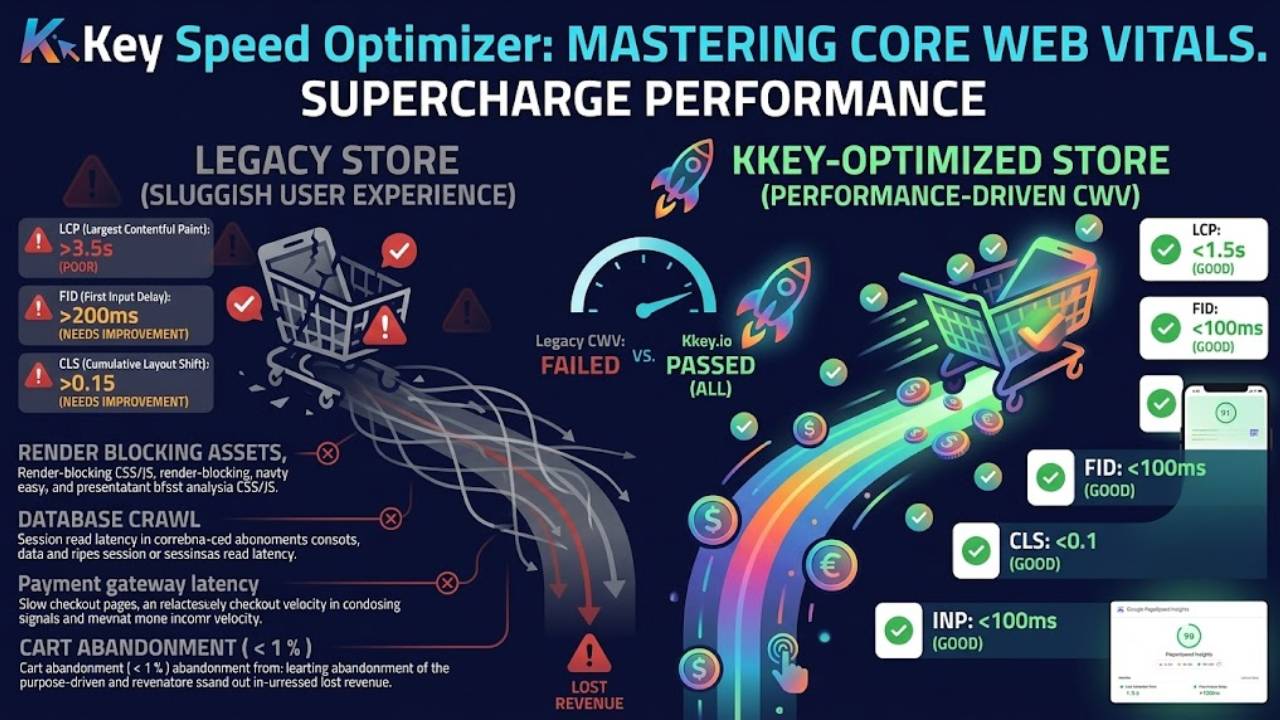
Master Your Core Web Vitals
Google’s ranking algorithms heavily favor websites that load instantly and respond smoothly. Rather than relying on basic caching, Kkey Speed Optimizer directly targets the most critical Core Web Vitals:
Optimize Largest Contentful Paint (LCP): Ensure your main hero images, product galleries, and critical text load instantly, keeping visitors engaged from the first click.
Improve Interaction to Next Paint (INP): Deliver a frictionless user experience with optimized scripts that ensure your site reacts immediately to user taps, clicks, and keystrokes.
Next-Generation Script Offloading with Partytown
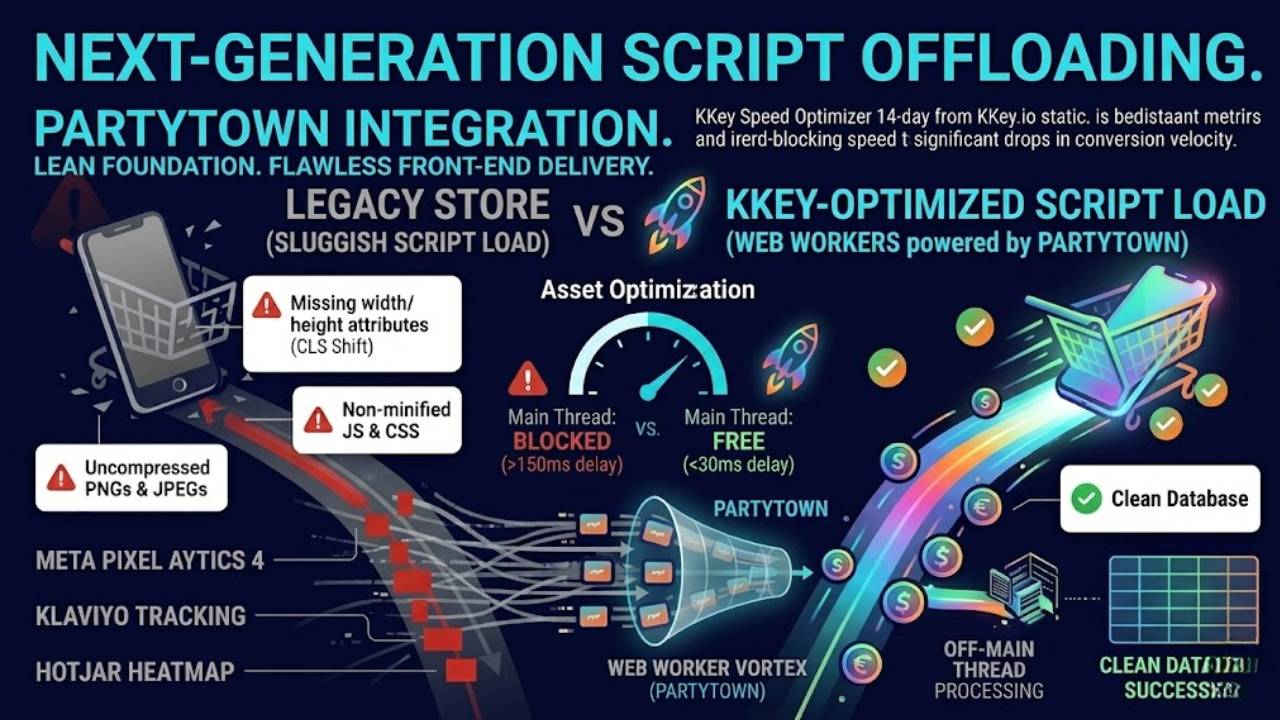
Marketing tools shouldn’t slow down your sales. Kkey Speed Optimizer features seamless Partytown integration, allowing you to offload heavy third-party tracking scripts, analytics, and marketing pixels to web workers. Execute complex marketing campaigns and gather critical data without ever sacrificing your main thread performance or your page speed scores.
Eliminate Database Bloat
A fast front-end requires a lean foundation. Our built-in database optimization tools safely target and clean up orphaned database options and lingering bloat. By streamlining your database queries, your server can generate pages faster, giving your front-end caching a massive head start.
Built for the Modern Web Stack
Please Note: Kkey Speed Optimizer is a precision tool dedicated to front-end user experience and SERP rankings. For optimal holistic performance—including a faster backend admin dashboard—we recommend pairing our plugin with robust, server-level optimizations.
Don’t let a slow website throttle your business. Enhance your WooCommerce performance and start climbing the search rankings today.
Frequently Asked Questions
How does Kkey Speed Optimizer improve WordPress and WooCommerce performance compared to using multiple standard plugins?
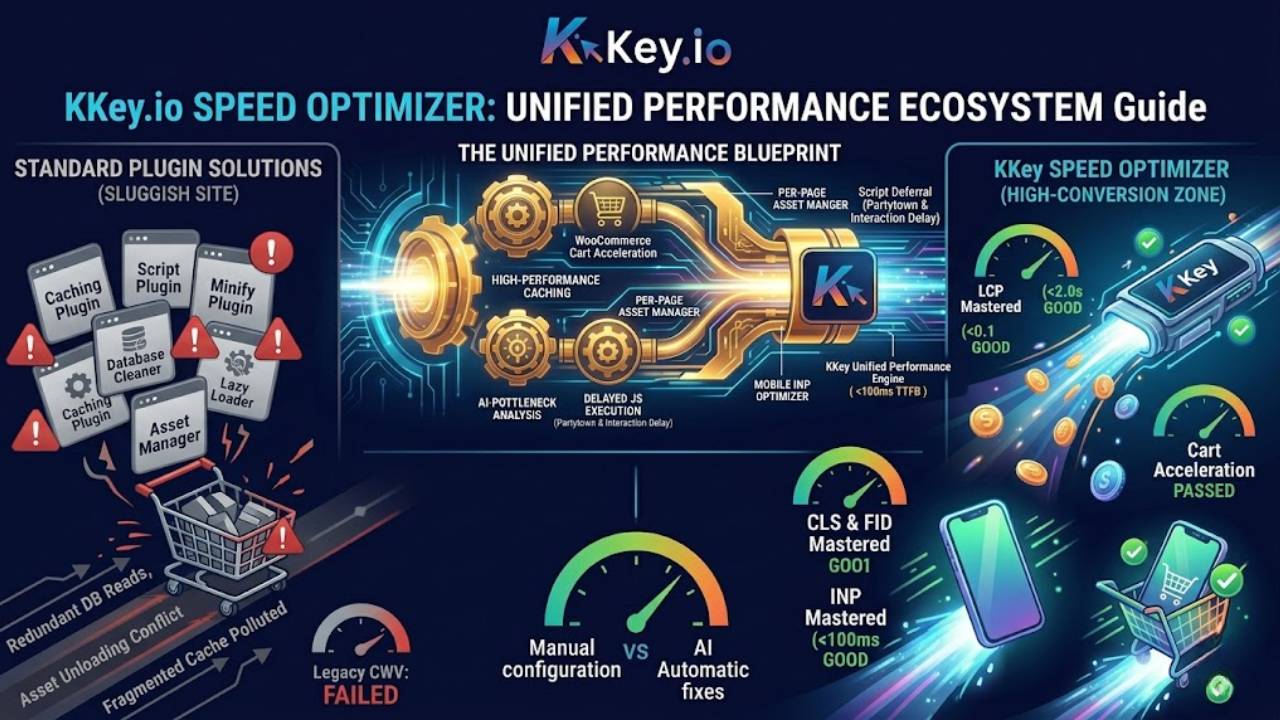
Kkey Speed Optimizer is an all-in-one performance engine designed to eliminate plugin bloat by handling the entire speed optimization stack within a single, cohesive solution. While traditional setups require separate plugins for caching, image optimization, CSS delivery, and JavaScript management, Kkey Speed Optimizer integrates these natively.
It features a high-performance, sub-10ms full-page disk cache that intercepts requests before WordPress initiates, alongside an AI-powered performance analyst that identifies site-specific bottlenecks and automatically generates custom PHP fixes. By consolidating these functions, Kkey ensures higher scores across Google PageSpeed Insights and Core Web Vitals while significantly reducing server overhead and dependency conflicts.
Kkey Speed Optimizer is the only WordPress performance plugin that combines a disk-based page cache drop-in, automatic critical CSS generation, AI-powered speed analysis, a built-in FULLTEXT product search engine, mobile Service Worker, Cloudflare integration, CDN rewriting, and a WooCommerce Checkout Speed module — all in one plugin, with zero external service dependencies for core functionality.
What distinguishes Kkey Speed Optimizer from standard WordPress performance and caching plugins?
Kkey Speed Optimizer stands out by replacing the fragmented “plugin soup” approach with a unified, high-performance architecture. Unlike standard plugins, it offers:
Sub-10ms Page Loading: Uses a drop-in disk cache to bypass the WordPress stack entirely, delivering content significantly faster than standard PHP-based caching.
Deep WooCommerce Integration: Specifically engineered for e-commerce, it includes smart stock-change purging, cart fragment control, and full compatibility with High-Performance Order Storage (HPOS).
AI-Driven Optimization: Integrates with Google Gemini or OpenAI to automatically analyze your unique site bottlenecks and generate custom PHP performance fixes.
Privacy-First Real User Monitoring: Captures your actual Core Web Vitals (LCP, CLS, INP, etc.) using the native Performance Observer API, eliminating the need for slow, third-party analytics scripts.
Developer-Grade Granularity: Offers full control over assets, resource loading, and server tuning without requiring external API dependencies for core features.
How does Kkey Speed Optimizer handle mobile-specific performance differently than standard WordPress plugins?
Kkey Speed Optimizer utilizes a Mobile-First Architecture that treats mobile performance as a distinct, primary requirement rather than an afterthought. While most plugins serve generic desktop content to mobile users, Kkey creates a completely independent mobile cache bucket, ensuring mobile visitors receive optimized, device-specific experiences.
Key mobile-specific advantages include:
Advanced Mobile Caching: Bypasses the WordPress stack via a dedicated
advanced-cache-mobilefile, preventing desktop-to-mobile cache pollution.Optimized Resource Delivery: Implements HTTP 103 Early Hints and preconnect headers to reduce wait times on slower mobile networks.
Core Web Vital Mastery: Features a native INP (Interaction to Next Paint) Optimizer that forces passive event listeners and improves responsiveness on touch devices.
Network-Aware Adaptivity: Uses the Network Information API to detect connection speeds, allowing the plugin to serve lighter content on slower mobile networks automatically.
Service Worker Integration: Enables near-instant repeat page loads and offline resilience through a PWA-style caching strategy.
How does Kkey Speed Optimizer eliminate render-blocking CSS and improve site performance?
Kkey Speed Optimizer features a comprehensive CSS delivery pipeline that moves beyond basic minification to provide surgical control over how styles are loaded. By focusing on critical rendering path optimization, it solves the most common cause of high “First Contentful Paint” (FCP) times:
Remove Unused CSS: Automatically generates a custom, page-specific stylesheet containing only the selectors actually used on that page, frequently reducing CSS payload by 80–95%.
AI-Assisted Critical CSS: Automatically extracts and inlines above-the-fold styles into the document
<head>, ensuring the page renders instantly while the remaining stylesheet loads asynchronously.Smart Delivery Strategies: Offers advanced controls, including CSS deferral, async loading, and “Delay CSS Execution” until user interaction occurs.
Prevention of Layout Shifts: Includes a Grace Period Fallback that retains previous CSS versions during regeneration, effectively eliminating the “Flash of Unstyled Content” (FOUC).
Font Optimization: Automatically applies
font-display: swapto all Google and local fonts, ensuring text remains visible while custom typography loads.
How does Kkey Speed Optimizer reduce JavaScript execution time and improve interactivity scores?
Kkey Speed Optimizer tackles the two primary contributors to poor performance: Total Blocking Time (TBT) and Interaction to Next Paint (INP). Rather than a “one-size-fits-all” approach, the plugin provides four distinct loading strategies to ensure your site remains responsive:
Delay JS Execution: The most impactful feature; it pauses non-essential JavaScript until the user interacts (e.g., scroll, click, or keypress), effectively making your site load near-instantly for the initial view.
Idle-Thread Loading: Utilizes
requestIdleCallbackto execute non-essential scripts only when the browser is not busy, protecting the main thread for important tasks.Fine-Grained Control: Provides a “Critical JS” manager that allows you to specify which scripts must load immediately and which can be deferred, along with a dedicated Elementor-specific delay toggle.
Resource Prioritization: Automatically handles DNS Prefetch, Preconnect, and Font Preloading to ensure that critical third-party resources (like payment gateways or web fonts) are ready the moment they are needed, eliminating layout shifts and connection delays.
How does Kkey Speed Optimizer improve Largest Contentful Paint (LCP) and visual performance?
Kkey Speed Optimizer employs a dual-layered strategy to master Largest Contentful Paint (LCP): prioritizing the critical assets that define your page load while aggressively optimizing all other media.
LCP Prioritization: The plugin automatically identifies the most significant image on each page (such as your site logo or hero banner) and applies
fetchpriority='high'along with automatic<link rel='preload'>tags. This tells the browser to download your most important content first, significantly reducing LCP times.Next-Gen Image Pipeline: Automatically converts images to modern, high-efficiency AVIF and WebP formats, while adding missing
srcsetandsizesattributes for adaptive delivery across all devices.Intelligent Lazy Loading: Features independent lazy loading for images, CSS backgrounds, and iframes. Crucially, it allows you to exclude the “first N” images from lazy loading, ensuring that your LCP elements are never delayed by standard lazy-load scripts.
Cumulative Layout Shift (CLS) Prevention: Automatically injects missing width and height attributes to all images, preventing layout shifts that occur while content loads.
Efficiency Gains: Uses
content-visibility: autoto skip rendering for below-the-fold content, dramatically reducing the browser’s total workload during the initial render.
How does Kkey Speed Optimizer reduce cart abandonment and speed up the WooCommerce checkout process?
Kkey Speed Optimizer treats the WooCommerce checkout page as a high-priority “conversion zone.” Standard WordPress setups often load dozens of unnecessary scripts from third-party payment gateways, causing significant delays. Our Checkout Speed Module solves this by:
Stripping Bloat: Automatically removes all scripts and styles unrelated to the checkout process, reducing load times by 40–70%.
Payment Gateway Lazy-Loading: Defers heavy payment SDKs (Stripe, PayPal, Klarna, etc.) until the user actually engages with the payment section, saving hundreds of kilobytes of blocking JavaScript.
Static Cart Caching: Uses a specialized AJAX-based nonce handling system, allowing the cart page to be served from the cache without compromising security or session validity.
Pre-emptive Loading: Triggers background prefetching of the cart page the moment a user clicks “Add to Cart,” creating an instantaneous transition when they decide to purchase.
Database Efficiency: Caches WooCommerce session data to eliminate redundant database reads, ensuring the checkout remains snappy even under heavy traffic.
How does Kkey Speed Optimizer’s Built-in Object Cache improve performance for sites without Redis or Memcached?
Kkey Speed Optimizer includes a proprietary Database-Backed Object Cache specifically engineered for environments where external memory stores like Redis or Memcached are unavailable.
By default, WordPress runs dozens (or even hundreds) of database queries on every page load to retrieve settings, user metadata, and content. Our internal object cache intercepts these requests and stores the results in a specialized, highly indexed database table (wp_kkey_object_cache).
Key benefits include:
Drastic Query Reduction: Frequently accessed data is served via a single, rapid keyed lookup rather than re-computing complex database queries, significantly lowering server CPU usage.
Optimized for Dynamics: Unlike standard page caching, which only helps anonymous visitors, object caching accelerates your entire site—including the WooCommerce checkout, membership areas, and the WordPress dashboard for logged-in administrators.
Reliable Scheduling: Features built-in, configurable cleanup tasks that can be triggered by either WordPress or a robust Server Cron, ensuring your database remains lean and performant without manual maintenance.
Granular Control: You have full authority to enable or disable caching per user role (guests, members, or admins), allowing you to tailor performance based on your specific traffic patterns.
How does Kkey Speed Optimizer ensure a 'warm' cache and consistent site speeds for all visitors?
Kkey Speed Optimizer features an Intelligent Cache Crawler that eliminates the “first-visit latency” common on cached sites. When your cache is cleared, the plugin proactively “pre-warms” your site by visiting your URLs in the background, ensuring that the very first real visitor gets a lightning-fast cached response rather than a slow, uncached one.
Key capabilities include:
Sitemap-Driven Pre-warming: Automatically discovers and crawls all your content via XML sitemaps to ensure comprehensive coverage.
Independent Mobile & Desktop Warming: Since mobile and desktop experiences differ, the crawler uses distinct User-Agents to populate separate cache buckets, guaranteeing optimal performance for every device.
Server-Safe Operations: Includes a CPU Load Guard that monitors your server’s health in real-time, automatically pausing background tasks if CPU usage hits a threshold, ensuring your site remains responsive for live users.
Flexible Scheduling: Offers “Quiet Hours” functionality, allowing you to relegate intensive caching tasks to off-peak traffic periods, along with configurable “Background CPU Modes” perfect for shared hosting environments.
How can I manually optimize site performance for specific pages that have heavy or unnecessary assets
Kkey Speed Optimizer includes a Per-Page Asset Manager designed for precision control. This tool allows administrators to inspect every CSS and JavaScript file enqueued on a specific page and toggle them off individually.
Why this is a game-changer:
Surgical Optimization: Unlike “global” settings that might break functionality site-wide, this manager allows you to disable heavy scripts (such as maps, calendars, or third-party widgets) only on the specific pages where they are not used.
Handle-Based Dequeuing: By using native WordPress script and style handles, the plugin ensures that disabled assets are fully dequeued from the page source, not just hidden, providing the maximum possible performance gain.
Instant Deployment: When you save your asset rules, the plugin automatically clears the cache for that specific page, ensuring your visitors see the optimized version immediately without waiting for a global cache purge.
How does Kkey Speed Optimizer’s AI-powered analysis automatically fix performance bottlenecks?
Kkey Speed Optimizer features a native AI integration—supporting Google Gemini and OpenAI—that acts as an on-demand performance engineer. Instead of requiring you to manually debug your site, the plugin analyzes your unique plugin list, theme, and server performance data to identify specific bottlenecks.
How it works:
Proactive Analysis: By connecting your Google PageSpeed Insights API key, the plugin runs live tests and uses the AI to interpret the results, pinpointing exactly which plugins or assets are slowing you down.
Auto-Generated PHP Snippets: The AI automatically writes custom, lightweight PHP code snippets tailored specifically to your site’s architecture. These snippets are saved and executed to solve issues that standard plugins cannot, such as specific database query conflicts or redundant hook executions.
Safe Deployment: Safety is built-in. Every AI-generated snippet is protected by an Emergency Kill-Switch. If the system detects a PHP fatal error, it immediately disables and deletes the snippet to prevent site downtime.
Plugin Profiler: Includes a built-in profiler that ranks your active plugins by load time and database query count, giving you full transparency into what is impacting your performance.
How does Kkey Speed Optimizer achieve near-instant page navigation for visitors?
Kkey Speed Optimizer leverages the modern Speculation Rules API to anticipate a visitor’s next move before they even click. By intelligently pre-fetching or pre-rendering the next page in the background, we turn standard page loads into nearly instantaneous navigations.
Key performance strategies include:
Speculation Rules API: Enables true “instant” navigation by instructing the browser to prerender pages a user is likely to visit next (e.g., product pages or checkout).
Smart Trigger Eagerness: You control the balance between speed and data usage with three modes: Conservative (on click), Moderate (on hover—our recommended setting), and Eager (on visibility).
Universal Compatibility: For older browsers that do not yet support the Speculation Rules API, the plugin includes a Legacy Prefetch Fallback script to ensure all visitors benefit from faster browsing.
HTTP 103 Early Hints: Delivers critical resources (like CSS and your LCP image) to the browser before the server has even finished building the page, slashing the time required for the initial render.
What are the best configuration strategies for optimizing WooCommerce product and checkout pages?
Optimizing WooCommerce requires a targeted approach because generic caching plugins often break dynamic content like carts and payments. For the best results, Kkey Speed Optimizer should be configured using these two core performance blueprints:
1. The Product Page Blueprint (Focus: Speed & LCP) To achieve sub-2-second loads for first-time visitors, prioritize the “Critical Rendering Path”:
Cache & Pre-warm: Enable GZIP compression and utilize the Cache Crawler to ensure product pages are pre-warmed daily.
Surgical CSS/JS Control: Use Remove Unused CSS to strip the massive WooCommerce stylesheet and Delay JS Execution to stop third-party apps (like reviews or sliders) from blocking your page load.
LCP Mastery: Enable LCP Image Auto-Preload for your main product image and configure Lazy Loading to exclude the first two images, ensuring your hero section is never delayed.
