

Transform Your WordPress & WooCommerce Store with Seamless WhatsApp Integration!
Are you looking for an effective way to connect with your customers, provide instant support, and drive sales directly through their favorite messaging app? Look no further! The WhatsApp For WordPress and WooCommerce | Kkey WhatsApp | Ultimate plugin is your all-in-one solution to effortlessly integrate WhatsApp chat into your website. Discover How To Add WhatsApp Chat To WordPress | kkey and revolutionize your customer communication.
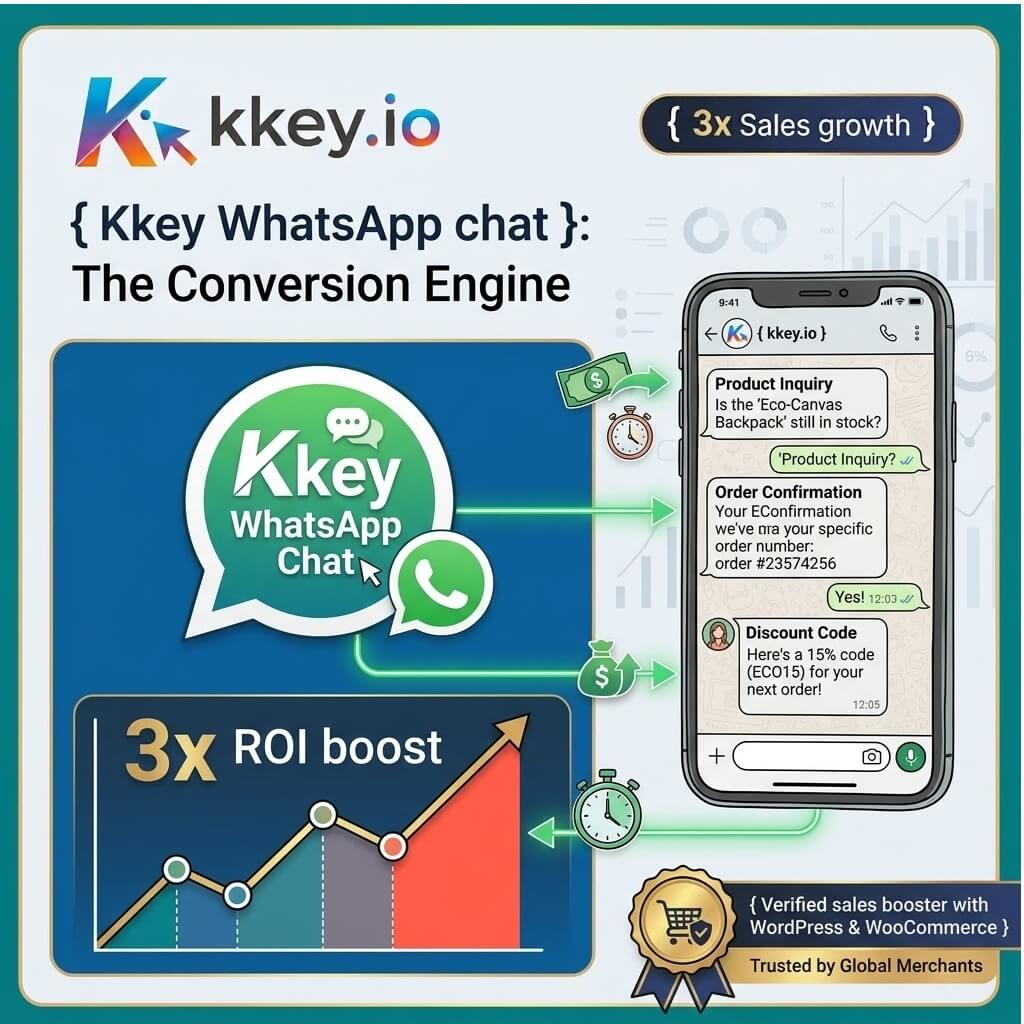
Why Choose Kkey WhatsApp Ultimate?
In today’s fast-paced digital world, immediate communication is key. Customers expect quick responses and personalized interactions. This plugin empowers you to meet those expectations and go above and beyond. Learn How To Add WhatsApp Chat To WordPress | kkey and unlock a new level of customer engagement.
Key Features that Set Us Apart:
- Instant Chat Initiation: Allow customers to start a WhatsApp conversation directly from your website with a single click. Make connecting with you as easy as possible.
- WooCommerce Integration: Seamlessly integrate WhatsApp chat with your WooCommerce store. Customers can inquire about products, discuss orders, and get support without leaving your site. This is crucial for understanding How To Add WhatsApp Chat To WordPress | kkey for e-commerce.
- Mobile-Friendly Design: Our plugin is fully responsive, ensuring a smooth chat experience on all devices, from desktops to smartphones.
- Customizable Chat Buttons: Personalize your WhatsApp chat buttons to match your brand’s aesthetic. Choose colors, icons, and text to create a cohesive look.
- Multiple Agent Support: Assign chats to different agents or departments, ensuring efficient customer support and faster resolution times.
- Analytics & Reporting: Gain insights into your customer interactions with built-in analytics. Track chat volume, response times, and customer satisfaction. Understanding How To Add WhatsApp Chat To WordPress | kkey also means understanding its impact.
- Multi-Language Support: Cater to a global audience with support for multiple languages.
- Pre-defined Messages: Set up pre-defined messages for common inquiries, saving your team valuable time and ensuring consistent communication.

Unlock the Power of WhatsApp for Your Business
Implementing WhatsApp chat on your WordPress or WooCommerce site is no longer a luxury, but a necessity for businesses aiming for growth and superior customer service. By mastering How To Add WhatsApp Chat To WordPress | kkey, you can significantly enhance user experience. Customers appreciate the convenience of reaching out via WhatsApp, a platform they already use daily. This direct line of communication builds trust, fosters loyalty, and ultimately leads to increased conversions and sales. Learn How To Add WhatsApp Chat To WordPress | kkey to leverage this powerful tool.
Benefits You Can Expect:
- Improved Customer Engagement: Foster closer relationships with your customers through real-time conversations.
- Increased Conversion Rates: Address customer queries and concerns instantly, removing potential barriers to purchase. Mastering How To Add WhatsApp Chat To WordPress | kkey directly impacts your bottom line.
- Enhanced Customer Support: Provide faster, more personalized support, leading to higher customer satisfaction.
- Build Trust and Credibility: Show your customers you are accessible and responsive, building a stronger brand image.
- Reduced Cart Abandonment: Answer last-minute questions that might prevent a customer from completing their purchase.
Effortless Implementation: How To Add WhatsApp Chat To WordPress | kkey
Getting started with Kkey WhatsApp Ultimate is incredibly straightforward. Our intuitive interface and comprehensive documentation make understanding How To Add WhatsApp Chat To WordPress | kkey a breeze. Simply install the plugin, configure your WhatsApp number and chat settings, and you’re ready to go! We’ve designed the process to be as user-friendly as possible, ensuring you can benefit from WhatsApp chat without any technical headaches. If you’re running an online store, learning How To Add WhatsApp Chat To WordPress | kkey for WooCommerce is a game-changer.
Why should customers buy this product/service?
Customers should buy the WhatsApp For WordPress and WooCommerce | Kkey WhatsApp | Ultimate plugin because it directly addresses the modern consumer’s need for instant and convenient communication. In an era where speed and accessibility are paramount, this plugin bridges the gap between your business and your customers like never before. It’s not just about adding a chat button; it’s about transforming your customer service, boosting sales, and building lasting relationships. The ease of use, combined with powerful features like WooCommerce integration and customizable options, makes it an indispensable tool for any online business. Investing in this plugin is investing in customer satisfaction and business growth. Experience the difference How To Add WhatsApp Chat To WordPress | kkey can make.
Looking for more ways to enhance your website’s functionality? Explore our range of premium WordPress themes designed to elevate your site’s aesthetics and performance. Discover how our SEO optimization services can drive more organic traffic to your business.
Take your customer engagement to the next level. Discover How To Add WhatsApp Chat To WordPress | kkey today!